
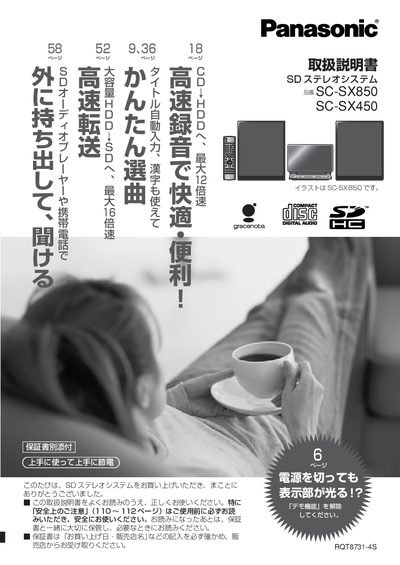
This manual covers the preparation and installation of the SD stereo system, including checking accessories, connecting speakers, antennas, external devices, and setting up the remote control. It also explains how to connect the unit to a network to use Gracenote services, transfer files, and back up data.
The guide details playback and recording functions, playlist editing, timer features, demo mode handling, and system settings. A Q&A section addresses common error messages and troubleshooting, and the final pages provide warranty, service contacts, and safety information. This manual is written in Japanese.
| Normal mode power consumption | ≈9 W |
|---|---|
| Power consumption during conversion/analysis | ≈17 W |
Refer to the QSA (Frequently Asked Questions) section, which explains the meaning of error displays and possible causes.
While the demo function is active, press and hold the button until the display shows “デモ解除”.
Connect the LAN port to a router or hub using a standard Ethernet cable, then configure the network settings as described.