
The VoiceStation™ 500 is a conference phone that uses Polycom's Acoustic Clarity technology to provide clear full-duplex two-way voice communication. In addition, the VoiceStation™ 500 dynamically adapts to the meeting room environment, eliminating echo and noise. Three built-in microphones pick up sound throughout the meeting room so you can speak normally and be easily understood.
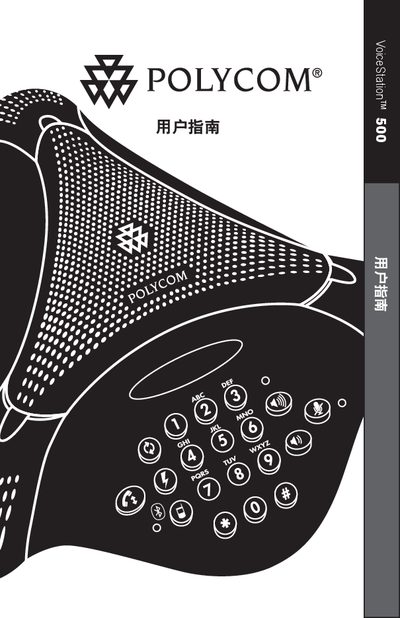
The VoiceStation 500 is a small‑room conference phone that uses Polycom’s Acoustic Clarity technology and three built‑in microphones to deliver clear full‑duplex audio. This guide covers everything from unpacking and parts identification to optimal placement for best performance.
Key sections include installation steps, how to use the device in POTS, Bluetooth, and wired audio modes, volume and mute controls, troubleshooting tips, and the full technical specifications. The manual also contains warranty information and regulatory notices. This manual is written in Chinese.
| Dimensions | 9.5 in × 9.25 in × 3.0 in (24.2 cm × 23.5 cm × 7.6 cm) |
|---|---|
| Weight | 1.25 lb (0.57 kg) |
| Power Supply | 110 V 60 Hz AC / 220 V 50 Hz AC (region dependent) |
| Speaker SPL | 94 dBA at 0.5 m |
| Microphone Frequency Response | 300 Hz – 3500 Hz |
| Operating Temperature | 40 °F – 104 °F (5 °C – 40 °C) |
| Relative Humidity | 20 % – 85 % (non‑condensing) |