
This document is the M218 Quick Start Guide, which provides information on creating new project information, creating applications, creating the first application, and writing timer cycle applications.
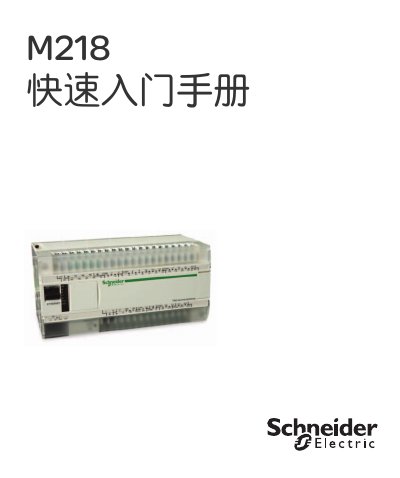
This guide introduces the SoMachine software workflow for the Schneider Electric M218 controller. It walks users through creating a new project, configuring the CPU and extension modules, and mapping variables to hardware I/O addresses.
Key sections cover writing the first ladder‑logic program, using timers and counters, performing offline simulation, and integrating a Schneider HMI screen to monitor and control the irrigation system. This manual is written in Chinese.
| CPU model | TM218LDA40DRPHN |
|---|---|
| Extension module | TM2DDI8DT |
| Input address example | I0.2, I0.3 |
| Output address example | Q0.8, Q0.9 |
Open SoMachine, select “new machine – use empty project”, enter project information such as author and description, choose a save path, and then configure the M218 CPU and any extension modules.
Variables are assigned to specific I/O points, for example inputs I0.2 and I0.3 and outputs Q0.9 and Q0.8 are used in the examples.
Import the controller variables into the HMI project, add an “auto_run” button, set its target variable, and link numeric display controls to variables such as “current_number_of_cysles” to show runtime data.