
Key facts
- Manuals
- 4
- Models
- 1
- Languages
- EN · ZH · ES
- Last added
- 2023-10-18
ExStik models by category
Featured ExStik manuals
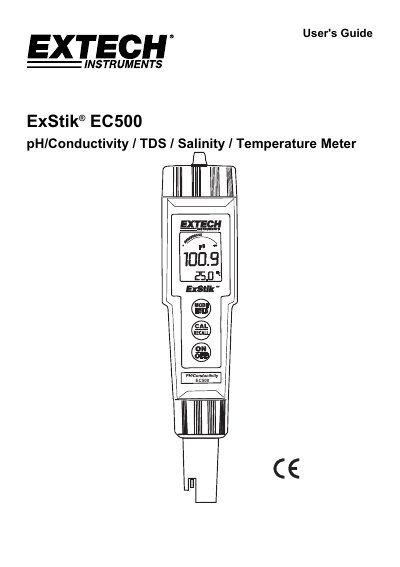
ExStik EC500 pH/Conductivity/TDS/Salinity Meter User's Guide
The ExStik EC500 is a handheld meter designed to measure pH, Conductivity, Total Dissolved Solids (TDS), and Salinity using a single electrode with dynamic cell-constant technology. The device operates on four CR2032 Lithium Ion Batteries and features an LCD display with indicators for battery status, measurement mode, and calibration reminders.
Covers: Introduction · Meter Description · Measurement Procedure · Changing Measurement Function · Storing Readings · Recalling Stored Readings
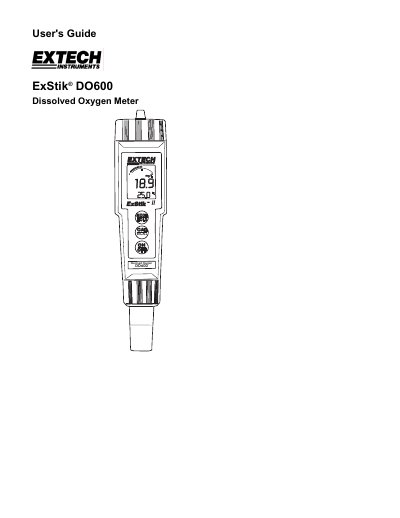
ExStik DO600 II Dissolved Oxygen Meter User's Guide
This user guide explains how to operate the ExStik DO600 II dissolved oxygen meter, including powering on, calibration, unit selection, and data storage. It also covers maintenance tasks such as battery and electrode replacement. The meter displays dissolved oxygen in % saturation, mg/l, or ppm, and temperature in °C or °F, with features like auto power off and automatic temperature compensation.
Covers: Introduction · Meter Description · Operation · Calibration · Measurement Units · Temperature Units
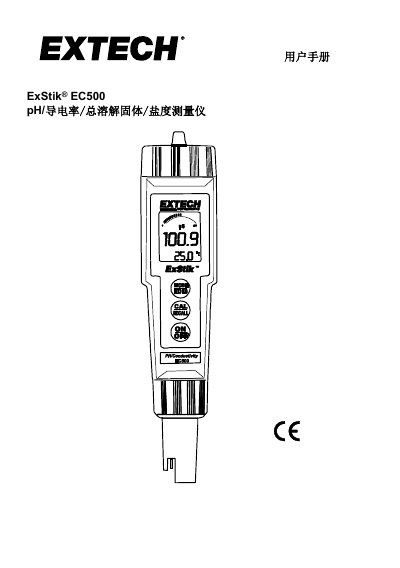
ExStik EC500 pH/Conductivity/TDS/Salinity Meter User Manual
The ExStik EC500 is a handheld meter capable of measuring pH, conductivity, total dissolved solids (TDS), and salinity using a single dynamic battery constant electrode. It features an LCD display with bar graphs, automatic range selection, and data storage capabilities for up to 25 readings. This manual is written in Chinese.
Covers: Introduction · Instrument Description · Measurement Process · Changing Measurement Functions · Storing and Calling Readings · pH Calibration
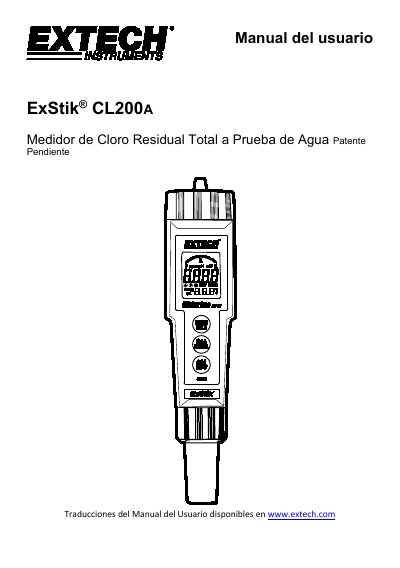
ExStik CL200A Total Residual Chlorine Meter User Manual
This manual provides instructions for the ExStik CL200A, a waterproof device designed to measure total residual chlorine in water. The meter offers direct readings from 0.01 to 10.00 ppm and utilizes an EPA-approved electrode method. It features simultaneous chlorine and temperature indication, as well as memory storage for 15 readings. This manual is written in Spanish.
Covers: Introducción · Descripción del medidor · Inicio · Procedimiento de medición · Guardar lecturas · Procedimiento de ajuste de calibración
Latest ExStik manuals
ExStik EC500 pH/Conductivity/TDS/Salinity Meter User's Guide
User Manual 13 pages · 329 KB · ENThis user's guide provides operating instructions for the ExStik EC500 multi-parameter meter, covering measurement modes, calibration, and maintenance.
ExStik DO600 II Dissolved Oxygen Meter User's Guide
User Manual 11 pages · 335 KB · ENUser guide for the ExStik DO600 II dissolved oxygen and temperature meter, covering operation, calibration, and maintenance.
ExStik EC500 pH/Conductivity/TDS/Salinity Meter User Manual
User Manual 13 pages · 605 KB · ZHUser manual for the ExStik EC500 multi-parameter meter covering operation, calibration, and maintenance instructions.
ExStik CL200A Total Residual Chlorine Meter User Manual
User Manual 8 pages · 218 KB · ESUser manual for the ExStik CL200A waterproof total residual chlorine meter, covering operation, calibration, maintenance, and specifications.
Which document do I need?
User Manual
Day-to-day operation, settings and troubleshooting. Start here if the product is already set up.
Questions answered in ExStik manuals
How do I change the measurement mode on the ExStik EC500?
Press and hold the MODE/HOLD button for 2 seconds until the display scrolls through the units (Conductivity, pH, TDS, Salinity), then release when the desired unit is displayed.
From: ExStik EC500 pH/Conductivity/TDS/Salinity Meter User's Guide
What does the 'RENEW' indicator mean?
A flashing 'RENEW' warning indicates that the probe is not performing to expected specifications, likely because the pH electrode slope has fallen below 70% of a nominal slope.
From: ExStik EC500 pH/Conductivity/TDS/Salinity Meter User's Guide
How do I change the measurement units?
Press and hold the MODE/HOLD button for 2 seconds to scroll through units (% saturation, mg/l, ppm), then release when the desired unit is displayed.
What batteries are required to power the ExStik DO600 II?
The meter uses four CR2032 Lithium Ion Batteries.
How do I change the measurement mode?
Press and hold the Mode/Hold button for 2 seconds until the display scrolls through units, then release when the desired unit is shown.
From: ExStik EC500 pH/Conductivity/TDS/Salinity Meter User Manual
How do I store a reading?
Press the Mode/Hold button to freeze the reading; the display will show 'HOLD' and the stored location number.
From: ExStik EC500 pH/Conductivity/TDS/Salinity Meter User Manual