
Instruction manual
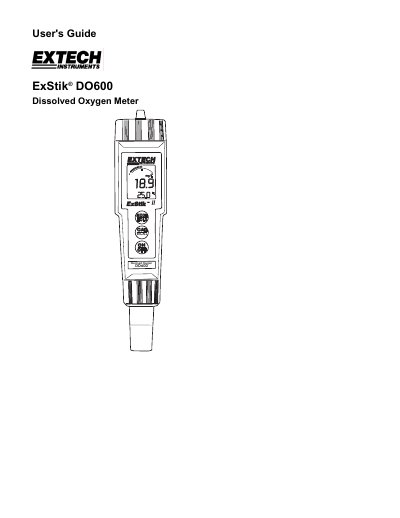
This user guide explains how to operate the ExStik DO600 II dissolved oxygen meter, including powering on, calibration, unit selection, and data storage. It also covers maintenance tasks such as battery and electrode replacement. The meter displays dissolved oxygen in % saturation, mg/l, or ppm, and temperature in °C or °F, with features like auto power off and automatic temperature compensation.
| Units of Measure | % saturation, mg/l, ppm for dissolved oxygen; °C or °F for temperature |
|---|---|
| Advanced Features | Data Hold, 25 points memory, auto power off, automatic temperature compensation, salinity and altitude compensation |
| Battery Type | Four (4) CR2032 Lithium Ion Batteries |
| Auto Power Off | Shuts off after approximately 10 minutes of inactivity |
Press and hold the MODE/HOLD button for 2 seconds to scroll through units (% saturation, mg/l, ppm), then release when the desired unit is displayed.
The meter uses four CR2032 Lithium Ion Batteries.
You must wait between 10 minutes and 2 hours for the probe to polarize.
The maximum altitude compensation is 20,000ft above sea level.