
The ExStik® EC500 is a multi-functional measuring instrument that can measure pH, conductivity, total dissolved solids, and salinity simultaneously. It uses dynamic cell constant technology for reliability and stability.
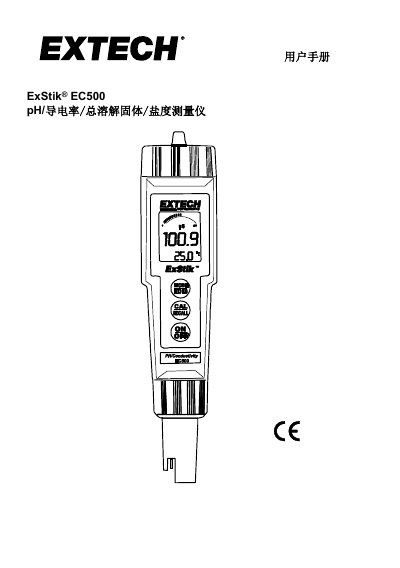
The ExStik EC500 is a handheld meter capable of measuring pH, conductivity, total dissolved solids (TDS), and salinity using a single dynamic battery constant electrode. It features an LCD display with bar graphs, automatic range selection, and data storage capabilities for up to 25 readings. This manual is written in Chinese.
| Power Source | Four CR2032 lithium batteries |
|---|---|
| Auto Shut-off Time | 10 minutes |
| Conductivity Ranges | 84µS/cm, 1413µS/cm, 12.88mS/cm |
| Data Storage Capacity | 25 readings |
| Sample Depth Requirement | At least 2.5cm |
Press and hold the Mode/Hold button for 2 seconds until the display scrolls through units, then release when the desired unit is shown.
Press the Mode/Hold button to freeze the reading; the display will show 'HOLD' and the stored location number.
The symbol 'BAT' will appear on the LCD display when the battery power is low.
While the device is off, press and hold the On/Off button for 4 seconds until 'clr' appears briefly.