
Key facts
- Manuals
- 4
- Models
- 1
- Languages
- ZH · EN
- Last added
- 2026-10-23
Kiloview models by category
Featured Kiloview manuals
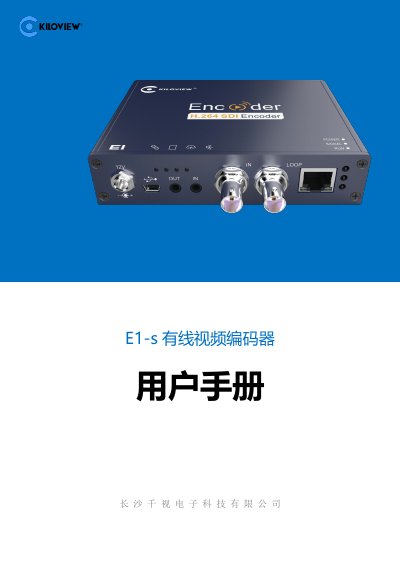
Kiloview E1-s Wired Video Encoder User Manual
The Kiloview E1-s is a wired video encoder designed to compress SDI video sources into network streams for high-definition transmission and live streaming over wired networks. It supports various media protocols including RTSP, RTMP, HLS, TS, Onvif, and SRT, and features low latency and adaptive bandwidth capabilities. This manual is written in Chinese.
Covers: Introduction · Installation and Connection · Device Login and Network Configuration · Video and Audio Settings · Encoding and Media Stream · Local Recording and NAS
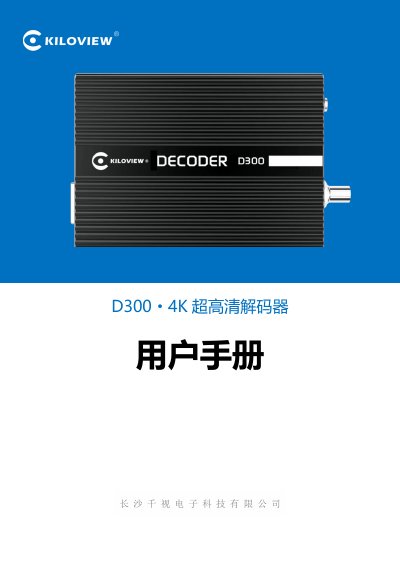
Kiloview D300 4K Ultra HD Decoder User Manual
The Kiloview D300 is a professional hardware decoder that decodes multiple network video streams without requiring a computer. It supports 4K resolution and outputs SDI and HDMI signals, featuring multi-screen display and dynamic switching capabilities. The device supports various media protocols including RTSP, RTMP, HLS, SRT, and NDI|HX. This manual is written in Chinese.
Covers: Product Introduction · Installation and Connection · Device Login and Network Configuration · Media (Video Decoding) Settings · System Settings · Signal Indicators
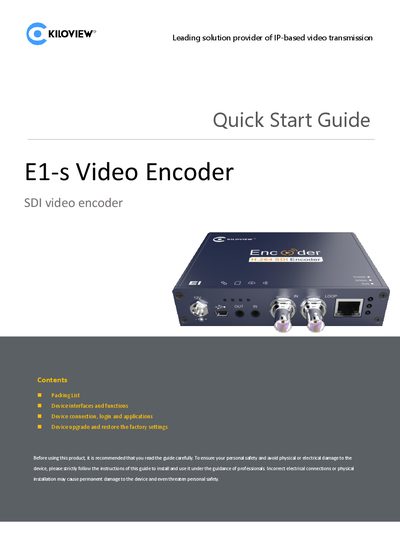
Kiloview E1-s Video Encoder SDI Quick Start Guide
The Kiloview E1-s is an IP-based video transmission solution designed for encoding and streaming. The document provides a comprehensive overview of the device's physical interface, including power ports, SDI inputs/outputs, Ethernet connectivity, and various indicator lights to monitor status such as power, signal connection, and operation.
Covers: Packing List · Device Interfaces and Functions · Device Connection · Device Discovery · Login to the Device WEB Page · Video Source Checking
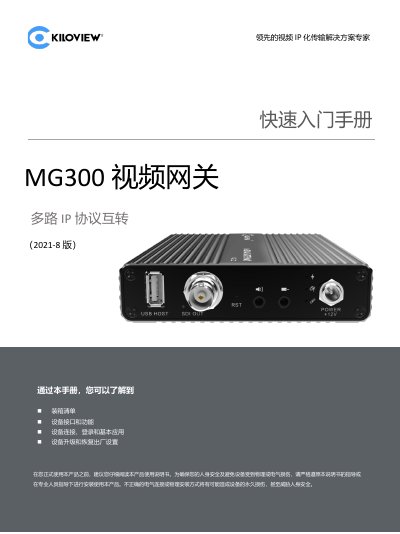
Kiloview MG300 Video Gateway Quick Start Guide
This document is a Quick Start Guide for the Kiloview MG300 Video Gateway. It provides instructions on unpacking the device, identifying interfaces, and connecting power and network cables. The guide explains how to access the Web management page using the default IP address and credentials to configure the device. This manual is written in Chinese.
Covers: Device List · Device Interfaces · LED Indicator Status · Login to Management Page · Video Decoding Output · Stream Service
Latest Kiloview manuals
Kiloview E1-s Wired Video Encoder User Manual
User Manual 48 pages · 2.7 MB · ZHThis manual covers the installation, network configuration, and parameter settings for the Kiloview E1-s wired video encoder.
Kiloview D300 4K Ultra HD Decoder User Manual
User Manual 25 pages · 1.9 MB · ZHUser manual for the Kiloview D300 4K Ultra HD Decoder, covering installation, network configuration, video source management, and output settings.
Kiloview E1-s Video Encoder SDI Quick Start Guide
Quick Start Guide 11 pages · 846 KB · ENThis quick start guide covers the Kiloview E1-s SDI video encoder, including packing lists, device interfaces, connection instructions, login procedures…
Kiloview MG300 Video Gateway Quick Start Guide
Quick Start Guide 11 pages · 1008 KB · ZHA quick start guide for the Kiloview MG300 Video Gateway, covering installation, interface connections, login, decoding, streaming, and firmware upgrades.
Which document do I need?
User Manual
Day-to-day operation, settings and troubleshooting. Start here if the product is already set up.
Quick Start Guide
The shortest path to a working setup, usually only a few pages.
Questions answered in Kiloview manuals
What is the maximum video resolution supported by the E1-s encoder?
The device supports input video resolutions up to 1080p60Hz.
What is the default IP address for the E1-s encoder?
The default management IP address is 192.168.1.168.
What is the default IP address for the Ethernet port 1?
The default IP address for Ethernet port 1 is 192.168.1.168.
What are the default login credentials for the device?
The default username is admin and the default password is admin.
What is the default IP address for the E1-s?
The default IP address is 192.168.1.168.
What are the default login credentials?
Both the username and password are 'admin' by default.