
Key facts
- Brand
- Kiloview
- Model
- E1-s
- Category
- Other Electronics
- Industry
- Electronics
- Documents
- 2
- Languages
- ZH · EN
- Last added
- 2026-10-23
Start here
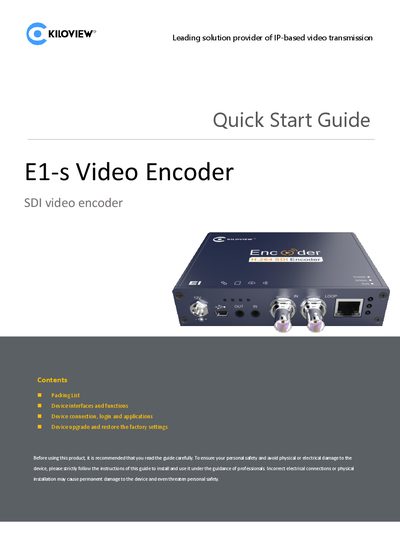
Kiloview E1-s Video Encoder SDI Quick Start Guide
Quick Start Guide 11 pages · 846 KB · EN
The Kiloview E1-s is an IP-based video transmission solution designed for encoding and streaming. The document provides a comprehensive overview of the device's physical interface, including power ports, SDI inputs/outputs, Ethernet connectivity, and various indicator lights to monitor status such as power, signal connection, and operation.
Read onlineKiloview E1-s specifications
| Power Supply Input | AC100~240V |
|---|---|
| Default IP Address | 192.168.1.168 |
| Default Subnet Mask | 255.255.255.0 |
| Default Username | admin |
| Default Password | admin |
All Kiloview E1-s documents by type
User Manual 1
Day-to-day operation, settings and troubleshooting. Start here if the product is already set up.
Quick Start Guide 1
The shortest path to a working setup, usually only a few pages.
Questions answered in these manuals
What is the maximum video resolution supported by the E1-s encoder?
The device supports input video resolutions up to 1080p60Hz.
What is the default IP address for the E1-s encoder?
The default management IP address is 192.168.1.168.
What is the default IP address for the E1-s?
The default IP address is 192.168.1.168.
What are the default login credentials?
Both the username and password are 'admin' by default.