
Kiloview D300 4K Ultra HD Decoder User Manual

User manual for the Kiloview D300 4K Ultra HD Decoder, covering installation, network configuration, video source management, and output settings.
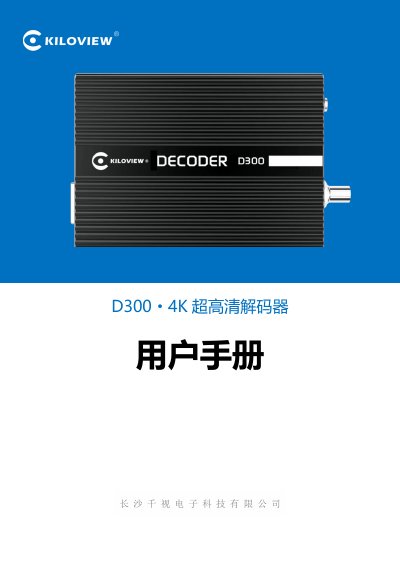

Kiloview D300 4K Ultra HD Decoder User Manual - cover page
Brand
Kiloview
Category
Other Electronics
Document type
User Manual
Language
Chinese
Pages
25
File format
PDF
File size
1.9 MB
Published
17 October, 2026
Updated
17 October, 2026
MD5 checksum
B411F6A2498F32D3A88BFBFBD53AC48D

About this manual

The Kiloview D300 is a professional hardware decoder that decodes multiple network video streams without requiring a computer. It supports 4K resolution and outputs SDI and HDMI signals, featuring multi-screen display and dynamic switching capabilities. The device supports various media protocols including RTSP, RTMP, HLS, SRT, and NDI|HX. This manual is written in Chinese.

What's inside

  • Product Introduction
  • Installation and Connection
  • Device Login and Network Configuration
  • Media (Video Decoding) Settings
  • System Settings
  • Signal Indicators
  • Firmware Upgrade

Specifications

Resolution Support4K 3840x2160@60Hz

Frequently asked questions

What is the default IP address for the Ethernet port 1?

The default IP address for Ethernet port 1 is 192.168.1.168.

What are the default login credentials for the device?

The default username is admin and the default password is admin.

How long does it take to reset the device to factory settings using the button?

Holding the RESET button for more than 5 seconds will restore factory settings.

Download PDF (1.9 MB)

More Kiloview Manuals


View all Kiloview manuals →