
This quick start guide covers the Kiloview E1-s SDI video encoder, including packing lists, device interfaces, connection instructions, login procedures…
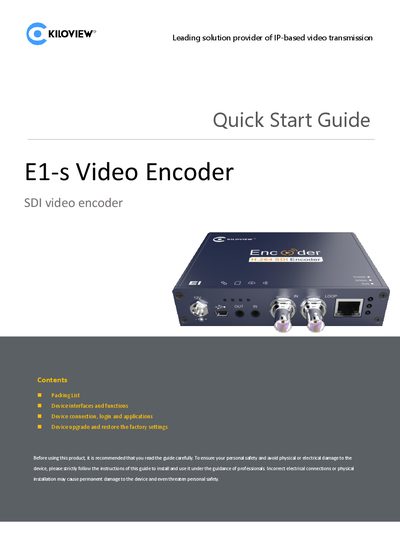
The Kiloview E1-s is an IP-based video transmission solution designed for encoding and streaming. The document provides a comprehensive overview of the device's physical interface, including power ports, SDI inputs/outputs, Ethernet connectivity, and various indicator lights to monitor status such as power, signal connection, and operation.
| Power Supply Input | AC100~240V |
|---|---|
| Default IP Address | 192.168.1.168 |
| Default Subnet Mask | 255.255.255.0 |
| Default Username | admin |
| Default Password | admin |
The default IP address is 192.168.1.168.
Both the username and password are 'admin' by default.
Press the RESET button for 5 seconds at the bottom of the device.