
Kiloview MG300 Video Gateway Quick Start Guide

Kiloview MG300 is a professional video gateway for multi-protocol conversion. It supports multiple video formats input, can convert SDI, HDMI, IP and other multi-format video, and support multiple video output, can output HDMI and SDI signals, meet the different needs of users.
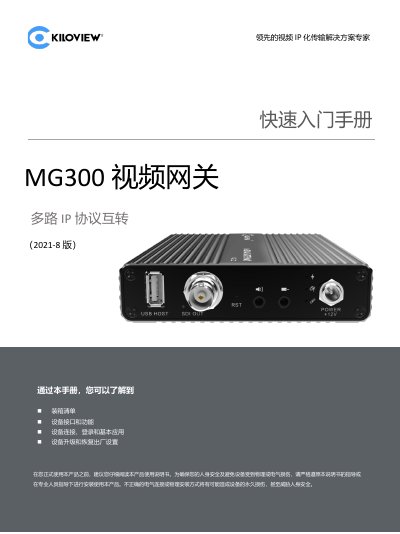

Kiloview MG300 Video Gateway Quick Start Guide - cover page
Brand
Kiloview
Category
Other Electronics
Document type
Quick Start Guide
Language
Chinese
Pages
11
File format
PDF
File size
1008 KB
Published
20 October, 2023
Updated
20 October, 2023
MD5 checksum
D3A064108EB06E8E3A1F774E5CFA7C58

About this manual

This document is a Quick Start Guide for the Kiloview MG300 Video Gateway. It provides instructions on unpacking the device, identifying interfaces, and connecting power and network cables. The guide explains how to access the Web management page using the default IP address and credentials to configure the device. This manual is written in Chinese.

What's inside

  • Device List
  • Device Interfaces
  • LED Indicator Status
  • Login to Management Page
  • Video Decoding Output
  • Stream Service
  • Firmware Upgrade
  • Factory Reset

Frequently asked questions

What is the default IP address for the Kiloview MG300?

The default fixed IP address for the device is 192.168.1.168.

What are the default login credentials for the Kiloview MG300?

The default username is admin and the default password is admin.

How long does the firmware upgrade process typically take?

The upgrade process generally takes about 3-5 minutes.

Download PDF (1008 KB)

More Kiloview Manuals


View all Kiloview manuals →