
Key facts
- Brand
- Uniden
- Model
- BC75XLT
- Category
- Communications equipment
- Industry
- Electronics
- Documents
- 2
- Languages
- EN
- Last added
- 2026-11-16
Start here
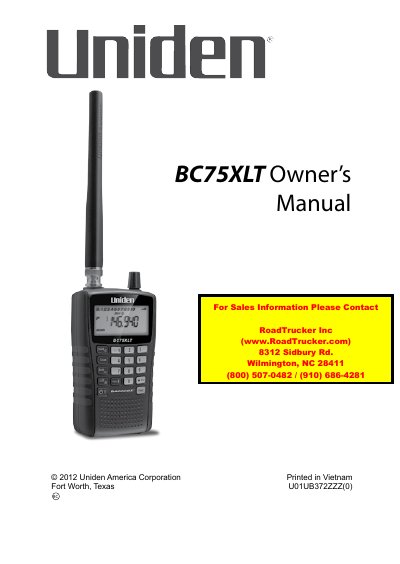
Uniden BC75XLT Scanner Operating Guide
This manual provides instructions for the Uniden BC75XLT handheld scanner, a versatile device capable of storing up to 300 frequencies across 10 banks. It details the setup process, including connecting antennas and optional earphones, and explains how to power the unit using batteries or a USB connection. The guide covers basic scanning operations, such as searching stored channels and manually selecting frequencies, as well as special features like Close Call RF Capture for detecting nearby signals.
Read onlineUniden BC75XLT specifications
| Channels | 300 |
|---|---|
| Dimensions (WxDxH) | 127 x 76.1 x 203.2 mm |
| Weight | 453.5 g |
| Rechargeable | Yes |
| Battery low indication | Yes |
| Backlight display | Yes |
All Uniden BC75XLT documents by type
Day-to-day operation, settings and troubleshooting. Start here if the product is already set up.
Questions answered in these manuals
How do I program frequencies into the Uniden BC75XLT?
Press MANUAL to select a channel, enter the frequency with the numeric keypad, then press ENTER to save it.
How do I scan for channels on the Uniden BC75XLT?
Press SCAN; the scanner searches active frequencies within programmed channels and stops when it detects a transmission.
What is the maximum number of channels the BC75XLT can store?
The scanner allows you to program up to 300 frequencies into its memory.
How do I power the scanner?
You can use 2 AA alkaline or rechargeable ni-MH batteries, or connect it to a PC via USB.