
Key facts
- Brand
- Uniden
- Model
- SC150
- Documents
- 2
- Languages
- EN
- Last added
- 2012-07-05
Start here
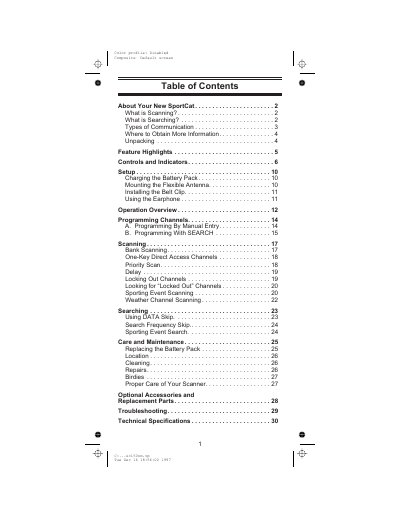
Uniden SC150 SportCat Twin Turbo Sports Scanner Operating Guide
The Uniden SC150 SportCat is a state-of-the-art information radio featuring automatic scanning capabilities. It stores frequencies into 10 banks of 10 channels each and supports super fast Turbo Scan speeds to monitor nearly 100 channels per second. The device covers 12 preprogrammed bands, including VHF Low, Aircraft, Military Land Mobile, Amateur Radio, UHF Standard, and Public Service 800 MHz bands.
Read onlineUniden SC150 specifications
| Frequency Coverage Range | 29.0 - 956 MHz |
|---|---|
| Scan Speed | Nearly 100 channels per second |
| Search Speed | Selectable between 100 and 300 steps per second |
| Band Count | 12 Bands |
Source: Uniden SC150 SportCat Twin Turbo Sports Scanner Operating Guide
All Uniden SC150 documents by type
Day-to-day operation, settings and troubleshooting. Start here if the product is already set up.
Questions answered in these manuals
What is the difference between scanning and searching?
Scanning monitors programmed channels until an active frequency is found, whereas searching finds active frequencies on preprogrammed bands that have not been stored in memory.
From: Uniden SC150 SportCat Twin Turbo Sports Scanner Operating Guide
How many channels can the scanner store?
The scanner can store 100 channels total, organized into 10 banks of 10 channels each.
From: Uniden SC150 SportCat Twin Turbo Sports Scanner Operating Guide
What is the pairing PIN code for the BTSC-1500?
The PIN code required to pair with the device is 0000.
How do I invert the visor clip?
Press in on the two tabs to slide the clip out, rotate it 180 degrees, and slide it back in.