
Key facts
- Brand
- Ubiquiti
- Model
- NBE-5AC-Gen2
- Category
- Wireless connection
- Documents
- 2
- Languages
- EN
- Last added
- 2023-11-16
Start here
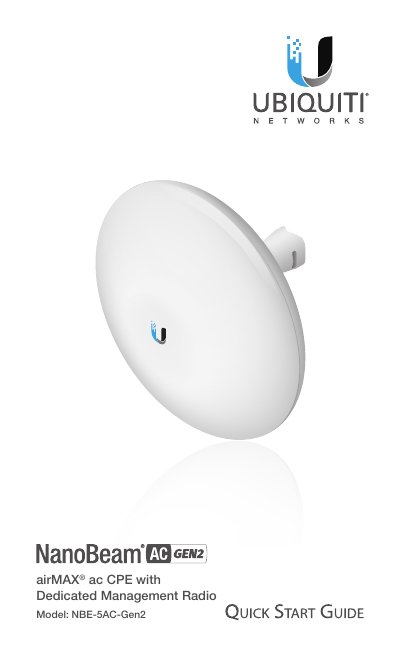
Ubiquiti NanoBeam 5AC Gen 2 NBE-5AC-Gen2 airMAX ac CPE with Dedicated Management Radio Quick Start Guide
The Ubiquiti NanoBeam 5AC Gen 2 is an airMAX ac CPE with dedicated management radio, model NBE-5AC-Gen2. The guide lists package contents including the Ball Joint Mount, Lock Ring, Metal Strap, Gigabit PoE Adapter, power cord, and Quick Start Guide.
It describes installation requirements, hardware overview, LED behavior, reset procedures, pole and wall mounting, aiming, and specifications such as dimensions, gain, power, and operating ranges.
Ubiquiti NBE-5AC-Gen2 specifications
| Dimensions (mount included) | 189 x 189 x 125 mm |
|---|---|
| Weight (mount included) | 530 g (1.17 lb) |
| Gain | 19 dBi |
| Networking Interface | (1) 10/100/1000 Ethernet Port |
| Max. Power Consumption | 8W |
| Power Supply | 24V, 0.5A Gigabit PoE Adapter (Included) |
| Power Method | Passive PoE (Pairs 4, 5+; 7, 8 Return) |
| Enclosure | Outdoor UV Stabilized Plastic |
| Operating Temperature | -40 to 80° C (-40 to 176° F) |
| Operating Humidity | 5 to 95% Noncondensing |
| Wind Survivability | 200 km/h (125 mph) |
| Certifications | CE, FCC, IC |
All Ubiquiti NBE-5AC-Gen2 documents by type
The shortest path to a working setup, usually only a few pages.
Questions answered in these manuals
What is included with the NanoBeam 5AC Gen 2?
The package includes the NanoBeam 5AC Gen 2, Ball Joint Mount, Lock Ring, Metal Strap, Gigabit PoE (24V, 0.5A) adapter with mounting bracket, power cord, and Quick Start Guide.
How do I reset the NanoBeam to factory defaults?
Press and hold the Reset button for more than 10 seconds while the NanoBeam is powered on. It can also be reset remotely using the Reset button on the Gigabit PoE Adapter.
What is required for the warranty?
Ubiquiti radio devices must be professionally installed using shielded Ethernet cable and earth grounding.
How do I reset the NanoBeam to factory defaults?
Press and hold the Reset button for more than 10 seconds while the device is powered on.