
Key facts
- Brand
- Snooper
- Model
- 2 Serie S
- Category
- Vehicle GPS
- Documents
- 2
- Languages
- EN
- Last added
- 2023-10-20
Start here
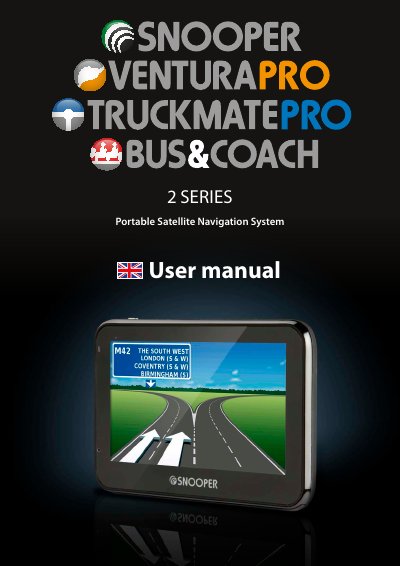
Snooper 2 Serie S Portable Satellite Navigation System User Manual
This user manual guides users through setting up and operating the Snooper 2 Serie S portable satellite navigation system. It covers initial setup, downloading the AU rA™ camera database for fixed speed cameras and accident alerts, and navigating using voice prompts and visual maps. The device uses GPS technology and includes features like route planning, traffic avoidance, and vehicle-specific settings. Regular updates to the camera database are required for accurate alerts, and the system requires specific hardware and software to download content.
Read onlineSnooper 2 Serie S specifications
| Database Coverage | UK, Ireland, and Europe |
|---|---|
| GPS Technology | Global Positioning Satellite |
| Cold Start Time | 15 - 30 minutes |
| Processor Requirement | Intel Pentium Class |
| RAM Requirement | 32MB |
| Free Disc Space | 20MB |
| Supported Operating Systems | Windows Vista, 7, 8, 8.1 |
Source: Snooper 2 Series Portable Satellite Navigation System User Manual
All Snooper 2 Serie S documents by type
Day-to-day operation, settings and troubleshooting. Start here if the product is already set up.
Questions answered in these manuals
How do I download the AU rA™ camera database?
Download the Snooper Updater software from the CD or website, then connect the device to your PC via USB to download the database.
From: Snooper 2 Serie S Portable Satellite Navigation System User Manual
How do I register my Snooper device?
Go to www.snooperneo.co.uk and register your unit online using the serial number found on the back of the device.
From: Snooper 2 Serie S Portable Satellite Navigation System User Manual
How long does the initial GPS setup take?
The first time setup may take between 15 to 30 minutes to locate your position.
From: Snooper 2 Series Portable Satellite Navigation System User Manual
What is required to access the camera database?
You must register your unit online and download the AURA™ Camera Database.
From: Snooper 2 Series Portable Satellite Navigation System User Manual