
This is an instruction manual for Snooper Portable Satellite Navigation System
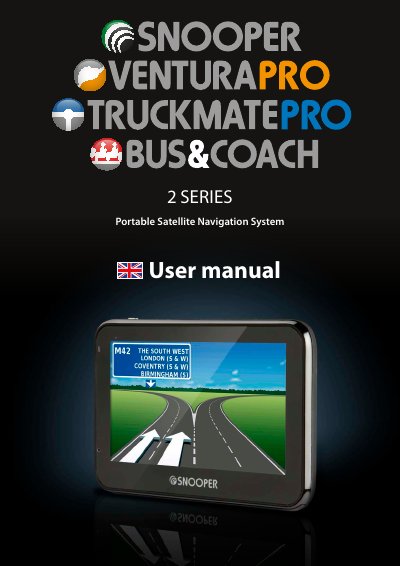
This user manual guides users through setting up and operating the Snooper 2 Serie S portable satellite navigation system. It covers initial setup, downloading the AU rA™ camera database for fixed speed cameras and accident alerts, and navigating using voice prompts and visual maps. The device uses GPS technology and includes features like route planning, traffic avoidance, and vehicle-specific settings. Regular updates to the camera database are required for accurate alerts, and the system requires specific hardware and software to download content.
| GPS Technology | Latest Global Positioning Satellite (GPS) technology |
|---|---|
| Camera Database | AU rA™ database covering UK, Ireland, and Europe |
Download the Snooper Updater software from the CD or website, then connect the device to your PC via USB to download the database.
Go to www.snooperneo.co.uk and register your unit online using the serial number found on the back of the device.
It provides alerts for fixed speed cameras and accident black spots across the UK, Ireland, and Europe.