
This document is the user manual for the Snooper 2 Series Portable Satellite Navigation System
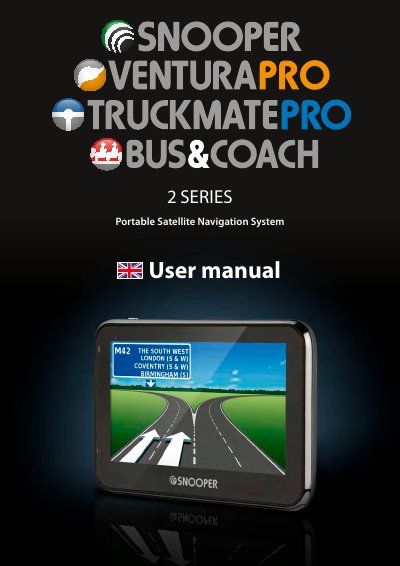
The Snooper 2 Series Portable Satellite Navigation System (PND) utilizes GPS technology to provide accurate street-level navigation via voice prompts and visual alerts. It features a comprehensive database of fixed speed safety cameras and accident black spots, covering the UK, Ireland, and Europe, which requires registration and subscription for updates. The device includes a Micro-SD card with pre-installed navigation software and mapping data.
| Database Coverage | UK, Ireland, and Europe |
|---|---|
| GPS Technology | Global Positioning Satellite |
| Cold Start Time | 15 - 30 minutes |
| Processor Requirement | Intel Pentium Class |
| RAM Requirement | 32MB |
| Free Disc Space | 20MB |
| Supported Operating Systems | Windows Vista, 7, 8, 8.1 |
The first time setup may take between 15 to 30 minutes to locate your position.
You must register your unit online and download the AURA™ Camera Database.