
Key facts
- Brand
- Polar
- Model
- M400
- Category
- Watches
- Industry
- Electronics
- Documents
- 2
- Languages
- PT · JA
- Last added
- 2026-11-19
Start here
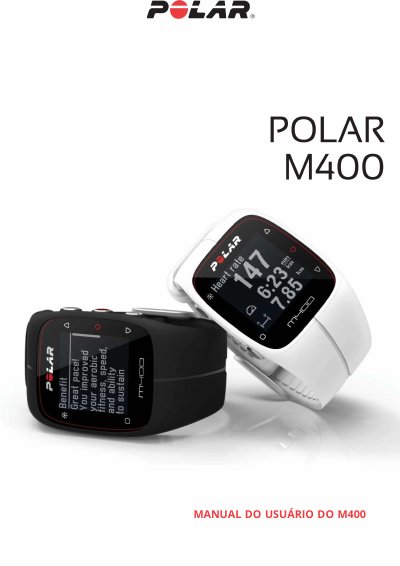
Polar M400 Sports Watch User Manual
The Polar M400 user manual covers initial setup through Polar FIOW or from the device, basic settings, battery charging, button functions, menu structure, and firmware updates. It also describes Polar FIOWSYNC software and the Polar FIOW web service.
The manual explains compatible sensors and pairing, starting training sessions, activity monitoring, the fitness test, heart rate zones, speed zones, sport profiles, running programs, and stride sensor calibration. This manual is written in Portuguese.
Polar M400 specifications
| Assisted GPS | A-GPS |
|---|---|
| Activity monitoring | 24 hours a day |
| Compatible stride sensor | Polar Bluetooth® Smart |
All Polar M400 documents by type
Day-to-day operation, settings and troubleshooting. Start here if the product is already set up.
Questions answered in these manuals
Does the manual explain setup through the Polar FIOW web service?
Yes. It includes a section for setup through the Polar FIOW web service.
Does the Polar M400 manual include firmware update instructions?
Yes. It includes a section titled "Como atualizar o firmware".
How do I set up the Polar M400?
Visit flow.polar.com/start to download Polar Flow Sync and connect M400 to your computer, or begin setup directly on the device if no computer is available.
From: Polar M400 User Manual
How do I charge the M400?
Connect M400 to a computer or USB charger using the USB cable; the device starts and charging begins.
From: Polar M400 User Manual