
Key facts
Start here
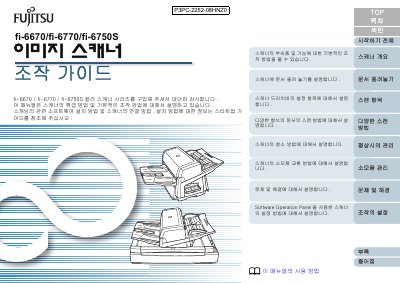
PFU fi-6670/fi-6770/fi-6750S Color Scanner Series Operation Guide
This document is the Operation Guide for the PFU fi-6670, fi-6770, and fi-6750S Color Scanner Series. It provides instructions for operating the scanners and their associated software. This manual is written in Japanese.
Read onlineAll PFU fi-6670 documents by type
Day-to-day operation, settings and troubleshooting. Start here if the product is already set up.
Questions answered in these manuals
How do I load documents into the scanner?
Use the ADF for automatic feeding of multiple pages or the flatbed platform for single sheets and books.
What scanning drivers are supported?
The scanner works with TWAIN, ISIS, and PFU’s ScandAll PRO software.
Which scanner models does the guide cover?
The guide covers the fi-6670, fi-6770, and fi-6750S.
From: PFU fi-6670/fi-6770/fi-6750S Color Scanner Series Operation Guide
What scanning software is named in the guide?
ScandAll PRO is named in the guide.
From: PFU fi-6670/fi-6770/fi-6750S Color Scanner Series Operation Guide
What is the maximum length allowed for the power cable?
The power cable must be 3 meters (10 feet) or less.
From: PFU fi-6670(A)/fi-6770(A)/fi-6750S Scanner User Manual
What is the maximum sound pressure level for this scanner?
The highest sound pressure level is 70 dB (A) or less.
From: PFU fi-6670(A)/fi-6770(A)/fi-6750S Scanner User Manual