
Key facts
- Brand
- Onkyo
- Model
- TX-NR737
- Category
- Other Electronics
- Industry
- Electronics
- Documents
- 2
- Languages
- EN · RU
- Last added
- 2026-11-11
Start here
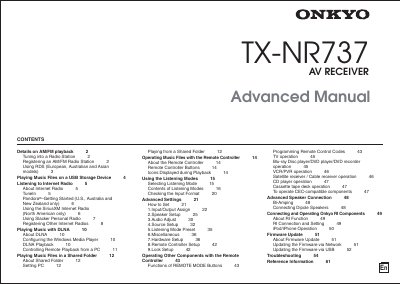
Onkyo TX-NR737 AV Receiver Advanced Manual
This is the advanced operating manual for the Onkyo TX-NR737 AV Receiver. It explains how to use the receiver's network, USB, and radio features, as well as its remote controller and setup menus.
Topics include AM/FM playback and presets, Internet radio services such as TuneIn, DLNA and shared-folder music playback, listening modes, speaker connections, firmware updates, and troubleshooting.
Onkyo TX-NR737 specifications
| Certification | THX Select2 Plus |
|---|---|
| Video Scaling | Qdeo™ |
| HDMI Compatibility | 4K 60 Hz |
| Audio Return Channel | ARC |
| Wireless Connectivity | Wi-Fi, Bluetooth, MHL |
| Audio Formats | MP3, WMA, FLAC, WAV, Ogg Vorbis, Apple Lossless, DSD, Dolby TrueHD |
All Onkyo TX-NR737 documents by type
Day-to-day operation, settings and troubleshooting. Start here if the product is already set up.
Questions answered in these manuals
How many AM/FM radio stations can be registered as presets?
Up to 40 favorite AM/FM radio stations can be registered.
How do you start automatic tuning for AM or FM stations?
Press TUNER to select AM or FM, set TUNING MODE to AUTO, then press TUNING.
What audio formats are supported?
The receiver supports MP3, WMA, FLAC, WAV, Ogg Vorbis, Apple Lossless, DSD, and Dolby TrueHD formats for playback from USB or network sources.
What is the maximum video resolution supported?
The receiver supports 4K resolution with 60Hz refresh rate via HDMI inputs and outputs, compatible with 4K content.