
Onkyo TX-NR737 AV Receiver Advanced Manual

Onkyo TX-NR737 AV Receiver Advanced Manual covering AM/FM radio, USB and DLNA playback, Internet radio, remote control setup, and advanced settings.
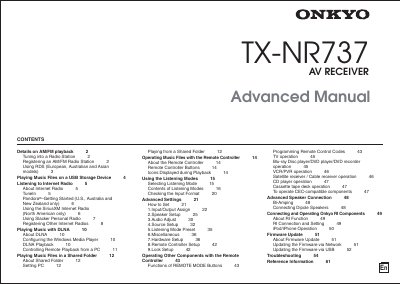

Onkyo TX-NR737 AV Receiver Advanced Manual - cover page
Brand
Onkyo
Category
Other Electronics
Document type
User Manual
Language
English
Pages
92
File format
PDF
File size
15.5 MB
Published
11 November, 2026
Updated
11 November, 2026
MD5 checksum
10C83580222125F7CECF4F03EAA41007

About this manual

This is the advanced operating manual for the Onkyo TX-NR737 AV Receiver. It explains how to use the receiver's network, USB, and radio features, as well as its remote controller and setup menus.

Topics include AM/FM playback and presets, Internet radio services such as TuneIn, DLNA and shared-folder music playback, listening modes, speaker connections, firmware updates, and troubleshooting.

What's inside

  • AM/FM playback
  • Internet Radio
  • USB Storage Device playback
  • DLNA Playback
  • Remote Controller operation
  • Listening Modes
  • Advanced Settings
  • Speaker Connection
  • Firmware Update
  • Troubleshooting

Specifications

Preset AM/FM stationsUp to 40

Frequently asked questions

How many AM/FM radio stations can be registered as presets?

Up to 40 favorite AM/FM radio stations can be registered.

How do you start automatic tuning for AM or FM stations?

Press TUNER to select AM or FM, set TUNING MODE to AUTO, then press TUNING.

Can the receiver play music files from a USB storage device?

Yes. Plug the USB storage device into the unit's USB port, select USB, and choose a file to play.

Download PDF (15.5 MB)

More Onkyo Manuals


View all Onkyo manuals →