
Key facts
- Brand
- Onkyo
- Model
- TX-SR500
- Documents
- 2
- Languages
- ZH
- Last added
- 2000-01-01
Start here
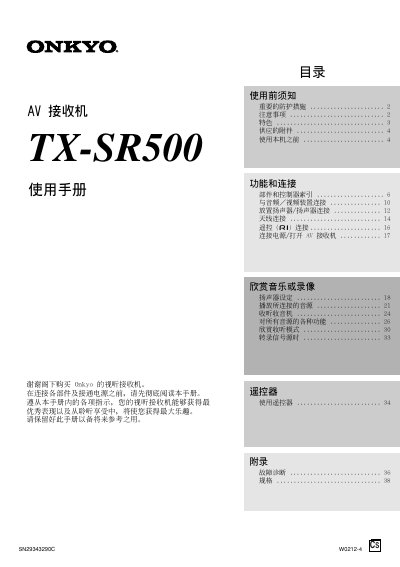
Onkyo TX-SR500 AV Receiver User Manual
This manual provides instructions for setting up and operating the Onkyo TX-SR500 AV receiver. It covers connecting audio/video devices, configuring speaker settings, using the remote control, and troubleshooting common issues. Safety precautions and maintenance tips are also included to ensure optimal performance and longevity. This manual is written in Chinese.
Read onlineOnkyo TX-SR500 specifications
| Channels | 5.1 |
|---|---|
| Digital Inputs | 3个可指定数字输入〈2 个光学,1个同轴*) |
| Audio Decoding | Dolby Digital, DTS |
| FM/AM Tuner | 30 FM/AM presets, auto-tuning |
All Onkyo TX-SR500 documents by type
Day-to-day operation, settings and troubleshooting. Start here if the product is already set up.
Questions answered in these manuals
How do I connect the receiver to speakers?
Connect speakers using the provided speaker cables and ensure proper placement to avoid interference or damage. Refer to page 12 for detailed instructions.
How do I use the remote control?
Install AA batteries, aim the remote at the sensor, and press buttons. The STANDBY indicator will light up when the receiver receives a signal.
What batteries are used in the remote control?
The remote control uses two AA/R6/UM-3 batteries.
Does the receiver need a memory backup battery?
No, it has a built-in system backup power supply for memory.