
Key facts
Start here
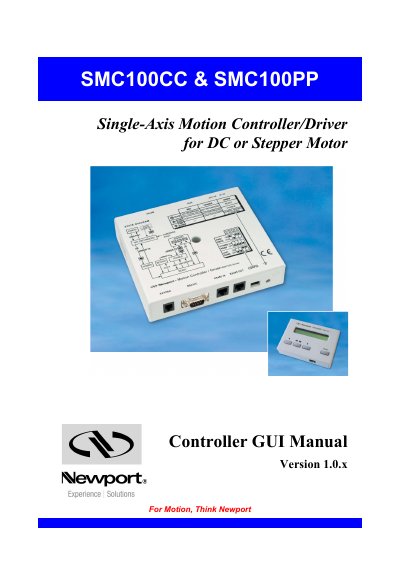
Newport SMC100CC & SMC100PP Single-Axis Motion Controller GUI Manual
The SMC100CC & SMC100PP Controller GUI Manual explains how to use the SMC100 Controller GUI, a graphical user interface that lets the user interact with an SMC100CC or SMC100PP controller connected to stages. With it the user can initiate moves, change the state of the controller and adjust parameters. This edition is document EDH0310En1022, dated 11/13 and copyrighted 2013 by Newport Corporation.
The manual opens with an introduction, a controller state diagram with the meaning of each LED display, and instructions for building a system where up to 31 controllers are networked through the internal RS-485 link. It then covers discovering instruments and the user interface tabs — Configuration, Main, Jog, GPIO, Parameters, Address and Diagnostics — followed by an About tab and a service form.
Newport SMC100CC specifications
| Networked controllers | Up to 31 controllers on the internal RS-485 link |
|---|---|
| Controller communication link | RS-485 (first controller on RS232 to the PC) |
| Maximum total power consumption of stages on one power supply | 80 W |
| Power chaining cable | SMC-PSC0.2, supplied with the controller |
| Communication channel setting | RS232 |
Source: Newport SMC100CC & SMC100PP Single-Axis Motion Controller GUI Manual
All Newport SMC100CC documents by type
Day-to-day operation, settings and troubleshooting. Start here if the product is already set up.
Questions answered in these manuals
What is the purpose of the SMC100 Controller GUI?
The GUI allows the user to interact with the SMC100CC or SMC100PP controller that is connected to stages.
How many controllers can be networked through the internal RS-485 communication link?
Up to 31 controllers can be networked through the internal RS-485 communication link.
How many SMC100 controllers can be networked together?
Up to 31 controllers can be networked through the internal RS-485 communication link, with the first one connected to the computer's RS232 connector at address #1.
From: Newport SMC100CC & SMC100PP Single-Axis Motion Controller GUI Manual
How do I start the Controller GUI?
Start the Controller GUI from Newport\MotionControl\SMC100, then click the "Discover" button and select the com port where the instrument is connected.
From: Newport SMC100CC & SMC100PP Single-Axis Motion Controller GUI Manual