
SMC100CC & SMC100PP Controller GUI Manual, introduce the controller's overview, installation, use, and troubleshooting
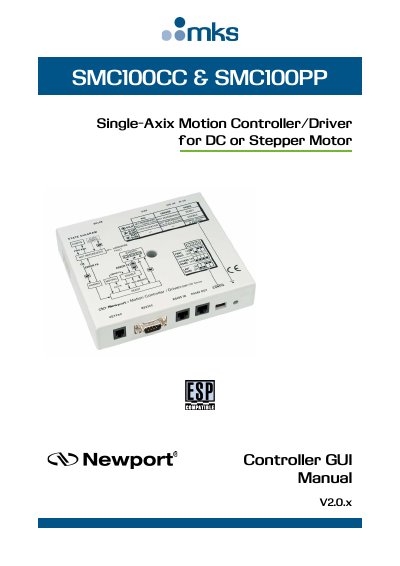
This document serves as the user guide for the SMC100 Controller Graphical User Interface (GUI), designed for the SMC100CC and SMC100PP single-axis motion controllers. It details the installation process for the GUI software on 32-bit and 64-bit Windows systems and explains how to launch the application from the Start menu.
The guide covers the complete workflow of using the controller, including discovering connected instruments via COM ports, navigating the user interface tabs for configuration, jogging, GPIO control, and diagnostics, and understanding the controller's state diagram and LED indicators.
The GUI allows the user to interact with the SMC100CC or SMC100PP controller that is connected to stages.
Up to 31 controllers can be networked through the internal RS-485 communication link.
The total power consumption of all stages connected to the same power supply should not exceed 80 W.