
Key facts
- Brand
- NetComm Wireless
- Model
- NTC-100
- Category
- Communications equipment
- Industry
- Industrial
- Documents
- 2
- Languages
- EN
- Last added
- 2026-11-17
Start here
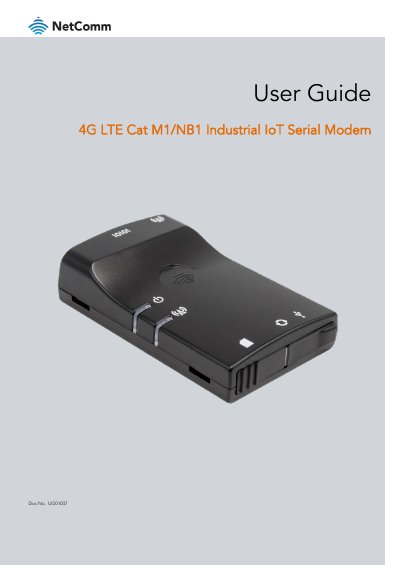
NetComm Wireless NTC-100 4G LTE Cat M1/NB1 Industrial IoT Serial Modem User Guide
This user guide covers the NetComm Wireless NTC-100 4G LTE Cat M1/NB1 Industrial IoT Serial Modem. It includes safety and product care information, product features, package contents, physical dimensions and indicators, and hardware installation steps.
The guide also documents PPP and PAD mode configuration, AT and SMS commands, LwM2M, log storage and export, application and module firmware updates, electrical and environmental specifications, troubleshooting, and FAQs.
All NetComm Wireless NTC-100 documents by type
Day-to-day operation, settings and troubleshooting. Start here if the product is already set up.
Questions answered in these manuals
What product does this guide cover?
It covers the NetComm 4G LTE Cat M1/NB1 Industrial IoT Serial Modem.
From: NetComm Wireless NTC-100 4G LTE Cat M1/NB1 Industrial IoT Serial Modem User Guide
What safety precaution applies in hazardous locations?
Do not connect or disconnect cables or devices to or from the USB port, SIM card tray, Ethernet port, or Molex power connector terminals in hazardous locations.
From: NetComm Wireless NTC-100 4G LTE Cat M1/NB1 Industrial IoT Serial Modem User Guide
What is the document number for this guide?
The document number is UG01037.
Can the device be powered via USB?
Yes, it can be powered via a 5V Micro USB socket or connected to a PC via USB cable.