
Key facts
- Brand
- NetComm Wireless
- Model
- NF5
- Category
- Router
- Documents
- 2
- Languages
- EN
- Last added
- 2023-10-31
Start here
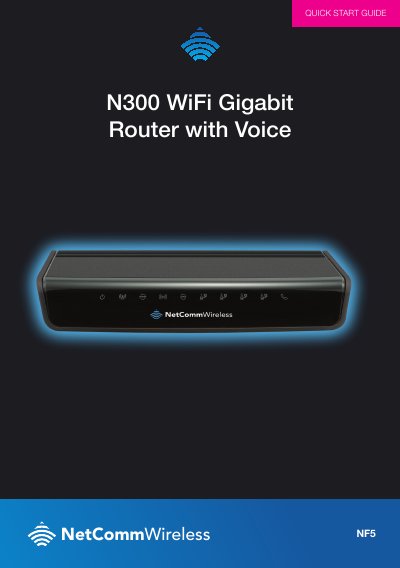
NetComm Wireless NF5N300 WiFi Gigabit Router with Voice Quick Start Guide
This document is a quick start guide for the NetComm Wireless NF5N300 WiFi Gigabit Router with Voice. It provides step-by-step instructions to get the router up and running quickly, covering power connection, cable attachment, and initial setup.
Read onlineNetComm Wireless NF5 specifications
| WAN port | 1 x Gigabit WAN port (10/100/1000 Mbps) |
|---|---|
| LAN ports | 4 x 10/100/1000 Mbps LAN |
| USB port | 1 x USB 2.0 |
| Power input | 12V DC - 1.5A |
| Operating temperature | 0˚C - 40˚C |
| Dimensions | 168 mm (L) x 119 mm (W) x 27 mm (H) |
| Weight | 226 grams |
Source: NetComm Wireless NF5 N300 WiFi Gigabit Router with Voice User Guide
All NetComm Wireless NF5 documents by type
Day-to-day operation, settings and troubleshooting. Start here if the product is already set up.
The shortest path to a working setup, usually only a few pages.
Questions answered in these manuals
What is the default LAN IP address for the NF5?
The default LAN management static IP address is 192.168.20.1.
From: NetComm Wireless NF5 N300 WiFi Gigabit Router with Voice User Guide
What are the default username and password for the NF5 web interface?
The default web interface username and password are both admin.
From: NetComm Wireless NF5 N300 WiFi Gigabit Router with Voice User Guide
What default address should I enter in my web browser to access the router setup?
You must type http://192.168.20.1 into the address bar of your web browser.
From: NetComm Wireless NF5N300 WiFi Gigabit Router with Voice Quick Start Guide
How long does it take for the router to connect after entering setup details?
The connection process can take up to 2 minutes.
From: NetComm Wireless NF5N300 WiFi Gigabit Router with Voice Quick Start Guide