
Key facts
- Brand
- National Instruments
- Model
- LabVIEW 7 Express
- Industry
- Software
- Documents
- 2
- Languages
- ZH
- Last added
- 2000-01-01
Start here
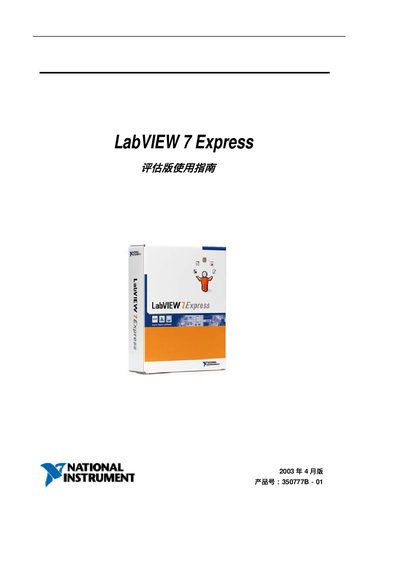
National Instruments LabVIEW 7 Express User Manual
User Manual 72 pages · 536 KB · ZH
This guide introduces LabVIEW 7 Express, a graphical programming environment for test and measurement. It covers how to start a new VI, use front‑panel controls, and build block diagrams.
The manual also describes Express VIs, data acquisition with NI‑DAQmx, instrument I/O assistants, and how to run, stop, and debug VIs. It provides step‑by‑step instructions and screenshots for each task. This manual is written in Chinese.
All National Instruments LabVIEW 7 Express documents by type
User Manual 2
Day-to-day operation, settings and troubleshooting. Start here if the product is already set up.
Questions answered in these manuals
What is the purpose of Express VIs?
Express VIs provide pre‑built functionality that can be quickly added to a LabVIEW program, as explained in the Express VIs section.
How can you view the front panel and block diagram of a VI?
Use the Front Panel preview and Block Diagram preview commands from the View menu.