
Key facts
- Brand
- Lowrance
- Model
- RIM 100
- Documents
- 2
- Languages
- EN
- Last added
- 2012-07-11
Start here
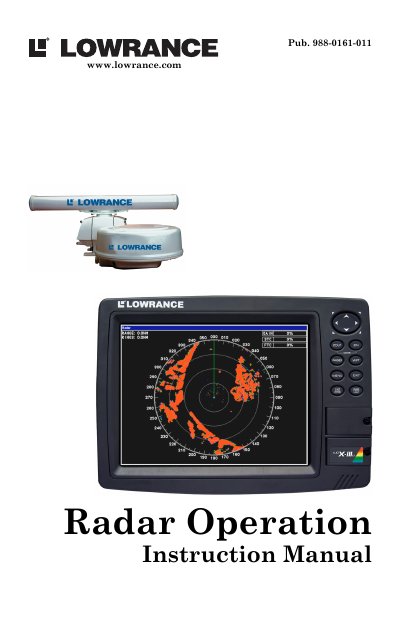
Lowrance RIM 100 Radar Operation Instruction Manual
This document is an operation instruction guide for the Lowrance RIM 100 radar interface module. It explains how the radar system works in conjunction with compatible display units such as the LCX-25c, LCX-26c HD, and GlobalMap series. The manual guides users through updating display unit software to ensure compatibility before installation.
Read onlineAll Lowrance RIM 100 documents by type
Day-to-day operation, settings and troubleshooting. Start here if the product is already set up.
Mounting, wiring and first power-up. Read it before the hardware goes in.
Questions answered in these manuals
What software version is required for the display unit to work with radar?
The display unit must have software version 1.3.0 or later to work with radar.
What are the main components of a Lowrance Radar system?
The system consists of the radar scanner unit (antenna), the display unit, and the RIM 100 radar interface module.
What is the minimum distance required between the radar antenna and people below?
The radar antenna must be installed a minimum distance of 1 foot (0.3 m) or more above all persons.
From: Lowrance RIM 100 Radar Interface Module Installation Instructions
Is there any internal adjustment needed when installing the scanner unit?
No, there are no internal connections or adjustments necessary for installation.
From: Lowrance RIM 100 Radar Interface Module Installation Instructions