
Key facts
Start here
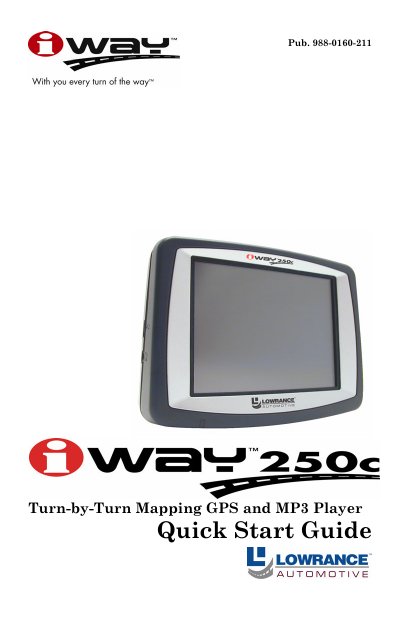
Lowrance iWAY 250c Quick Start Guide
The document is a Quick Start Guide for the Lowrance iWAY 250c, an automotive GPS unit that also functions as an MP3 player. It explains how to operate the device using its touch screen and stylus, including switching between Map Mode and Music Mode.
Key features described include turn-by-turn navigation with route generation, map orientation options (North Up, Track Up, 3D), and media playback from MMC or SD cards supporting MP3 and Ogg Vorbis formats. The guide also details safety warnings regarding driving while using the device.
All Lowrance iWAY 250c documents by type
Day-to-day operation, settings and troubleshooting. Start here if the product is already set up.
The shortest path to a working setup, usually only a few pages.
Questions answered in these manuals
What is the purpose of Safety Mode on the iWAY 250C?
Safety Mode prevents vehicle drivers from operating the GPS unit, such as configuring or entering information, while the vehicle is in motion.
Can the unit be operated while driving if Safety Mode is off?
Yes, if Safety Mode is turned off (Passenger Mode), a passenger can operate the unit while the vehicle is moving.
What types of music files can the iWAY 250c play?
The unit can play any MP3 or Ogg Vorbis music file stored on a memory card.
What is the storage capacity of the MMC card included with the device?
The MMC card shipped with the unit has a capacity of 2 gigabytes.
What temperature range is recommended for storing the GPS unit during long-term storage?
The manual recommends storing the unit at room temperature or in a location with a temperature range of 60° to 90° F.
How long must you press down firmly when attaching the adhesive mounting plate?
You must maintain pressure for 20 seconds to ensure the adhesive bonds securely.