
Key facts
- Brand
- K&T
- Model
- KT-LCD 5
- Industry
- Appliances
- Documents
- 3
- Languages
- EN
- Last added
- 2026-10-19
Start here
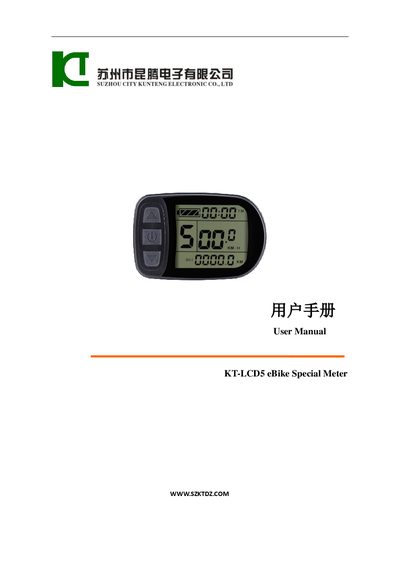
KT KT-LCD 5 eBike Special Meter User Manual
The KT KT-LCD 5 is an electric bicycle meter designed to display vehicle controls and status information. It features three main displays showing trip time, speed, distance, battery capacity, voltage, throttle status, power-assist startup, cruise function, and fault codes. The device supports automatic identification of supply voltages ranging from 24V to 48V.
Read onlineKT-LCD 5 specifications
| Supply Voltage | 24V, 36V, 48V |
|---|---|
| Material | PC material |
| Housing Color | dark gray |
| Version | V1.1 |
All KT-LCD 5 documents by type
Day-to-day operation, settings and troubleshooting. Start here if the product is already set up.
Questions answered in these manuals
How do I turn the meter on and off?
Hold the SW button long to power on; hold it long again to power off.
How do I switch between display modes?
Hold the SW button shortly to enter the next display mode.
What is the recommended value for C13 ABS braking strength?
The recommended value is 1, which corresponds to Class 1 braking strength and best energy recovery efficiency.
What happens if no buttons are pressed for five minutes while the vehicle is stopped?
The meter will automatically shut down and turn off the power supply to the electric vehicle.
What supply voltages can this meter automatically identify and support?
The meter provides automatic identification and compatibility for 24V, 36V, or 48V supply voltage.
How long must the SW button be held to turn the meter off?
Under normal operating status, you must hold the SW button long to power off the meter.