
Key facts
Start here
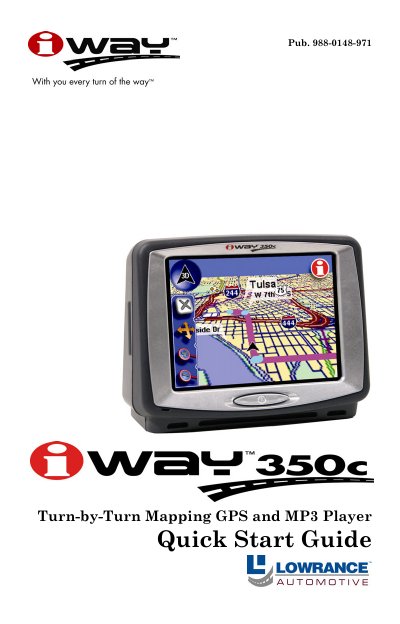
Lowrance iWAY 350c Turn-by-Turn Mapping GPS and MP3 Player Quick Start Guide
The Lowrance iWAY 350c is a turn-by-turn mapping GPS unit that also functions as an MP3 player. The device utilizes a pressure-sensitive touch screen for controlling all functions, including navigating routes and playing music from memory cards.
Users can switch between Map Mode and Music Mode via the Main Menu. In Map Mode, the display shows current position with options to zoom, move the map, or view overlay data. In Music Mode, users can play MP3 files stored on MMC or SD cards using built-in controls.
All iWAY 350c documents by type
Day-to-day operation, settings and troubleshooting. Start here if the product is already set up.
Questions answered in these manuals
What happens when Safety Mode is enabled?
The touch-screen buttons become temporarily disabled while the vehicle is in motion, but navigation and music playback continue.
How do I switch to Passenger Mode?
Access the Main Menu, select Options, then choose Options 3 to display the Safety Mode button, and tap it to disable the feature.
What types of music files can the iWAY play?
The unit can play any MP3 or Ogg Vorbis music file stored on a memory card.
From: Lowrance iWAY 350c Turn-by-Turn Mapping GPS and MP3 Player Quick Start Guide
How do I clean the touch screen?
You must use the provided suede microfiber cloth to avoid damaging the screen.
From: Lowrance iWAY 350c Turn-by-Turn Mapping GPS and MP3 Player Quick Start Guide
What surfaces is this mount designed for?
The flexible suction cup mount is useful for mounting on glass or other smooth surfaces.
From: LEI iWAY 350c Automotive GPS Receiver Mounting Instructions
How do I remove the GPS unit from the cradle?
To dismount, push the quick release tab on the front of the cradle down.
From: LEI iWAY 350c Automotive GPS Receiver Mounting Instructions