
Key facts
- Brand
- i-Key
- Model
- BT-870-TP
- Category
- Other Computer Accessories
- Documents
- 2
- Languages
- EN
- Last added
- 2023-11-24
Start here
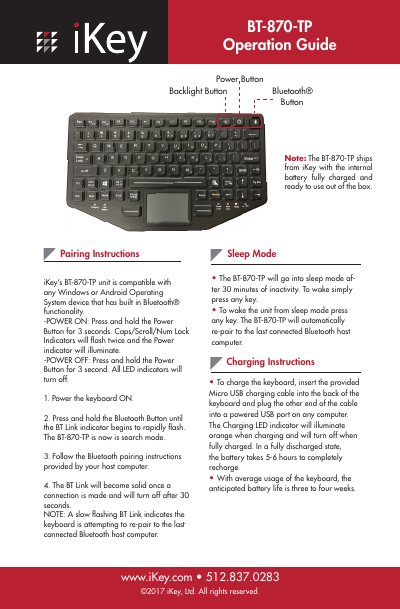
iKey BT-870-TP Bluetooth Keyboard User Manual
The iKey BT-870-TP is a Bluetooth keyboard compatible with Windows and Android operating system devices with built-in Bluetooth functionality. It features both wireless connectivity and the ability to operate as a wired USB keyboard via a Micro USB cable.
Key operational features include a dedicated Clean Mode for easy maintenance, a 10-key number pad with a secondary legend, and an automatic sleep mode to conserve battery life.
iKey BT-870-TP specifications
| Battery Recharge Time | 5-6 hours |
|---|---|
| Anticipated Battery Life | 3-4 weeks |
| Sleep Mode Timeout | 30 minutes |
All iKey BT-870-TP documents by type
Day-to-day operation, settings and troubleshooting. Start here if the product is already set up.
Questions answered in these manuals
How do I pair the BT-870-TP keyboard?
Power the keyboard on, then press and hold the Bluetooth Button until the BT Link indicator flashes rapidly to enter search mode.
How do I enable Clean Mode?
Press <FN>+<C> to enter or exit Clean Mode; the Scroll Lock indicator will flash when active.
How do I pair the BT-870-TP-SLIM with my device?
Press and hold the Bluetooth Button until the BT Link indicator rapidly flashes, then follow your device’s Bluetooth pairing instructions.
How long does it take to charge the keyboard?
It takes 5-6 hours to fully recharge from a fully discharged state.