
This is a keyboard product manual
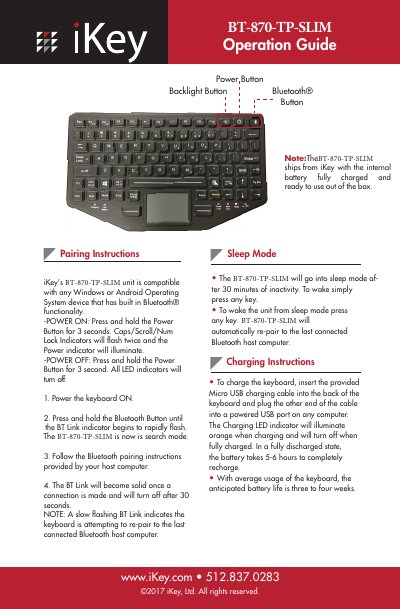
This guide explains how to power on and off the iKey BT-870-TP-SLIM wireless keyboard, pair it via Bluetooth with Windows or Android devices, charge it using a Micro USB cable, and use sleep mode. It also details how to switch to USB mode for wired use and enable Clean Mode for easy cleaning without powering down. The keyboard automatically reconnects to the last paired device when woken from sleep.
Press and hold the Bluetooth Button until the BT Link indicator rapidly flashes, then follow your device’s Bluetooth pairing instructions.
It takes 5-6 hours to fully recharge from a fully discharged state.
It enters sleep mode after 30 minutes of inactivity and wakes up when any key is pressed.