
Key facts
- Brand
- Holux
- Model
- M-1000
- Category
- GPS
- Industry
- Electronics
- Documents
- 2
- Languages
- EN · ZH
- Last added
- 2012-02-19
Start here
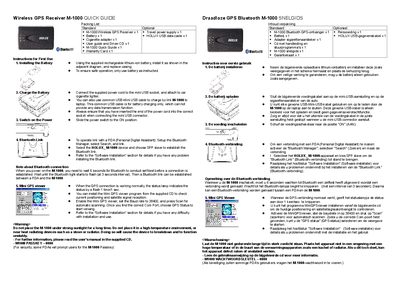
Holux M-1000 Wireless GPS Receiver Quick Guide
The Holux M-1000 Quick Guide provides step‑by‑step instructions for first‑time use. It lists the standard and optional items included in the package, shows how to install the rechargeable lithium‑ion battery, connect the supplied power cable to the car cigarette lighter, and turn the device on.
The guide also explains how to establish a Bluetooth link with a PDA, use the Mini GPS Viewer software from the supplied CD, and warns against exposing the unit to direct sunlight or high temperatures. A default Bluetooth passkey (0000) and baud‑rate setting (38400) are provided for configuration.
Holux M-1000 specifications
| Battery type | Rechargeable lithium‑ion |
|---|---|
| Baud rate for Mini GPS Viewer | 38400 |
| Default Bluetooth passkey | 0000 |
All Holux M-1000 documents by type
The shortest path to a working setup, usually only a few pages.
Day-to-day operation, settings and troubleshooting. Start here if the product is already set up.
Questions answered in these manuals
How do I charge the M-1000 battery?
Connect the supplied power cord to the mini‑USB socket and plug it into the car cigarette lighter, or use a standard mini‑USB cable to charge the unit from a laptop.
How can I pair the M-1000 with a PDA via Bluetooth?
Open the Bluetooth Manager on the PDA, select Search, choose the device named HOLUX_M-1000, and set the connection mode to SPP slave.