
Key facts
- Brand
- Holux
- Model
- M-215
- Industry
- Industrial
- Documents
- 3
- Languages
- EN · ZH
- Last added
- 2012-04-11
Start here
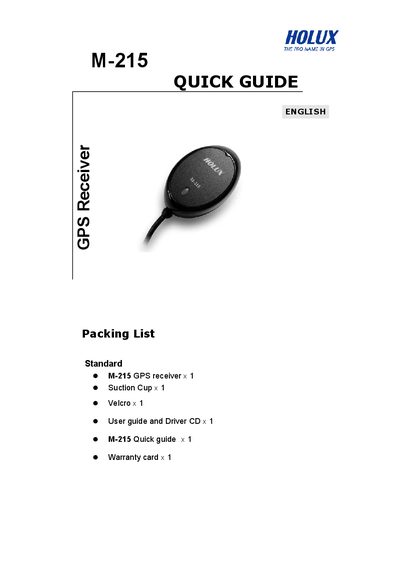
Holux M-215 Quick Guide
The guide provides a packing list, describes the LED status indicators, and explains the available connectors (USB and RS232/PS2). It walks the user through driver installation, connecting the device to a PC, and locating the assigned COM port.
It also introduces the Mini GPS Viewer utility for testing the receiver, showing how to set the baud rate, scan for satellites, and interpret the LED signals. Warranty and compliance information are included at the end of the document.
Holux M-215 specifications
| LED Indicator – Acquiring Satellites | Orange steady light |
|---|---|
| LED Indicator – Position Fixed | Blinking light |
| Default Baud Rate for Mini GPS Viewer | 4800 |
Source: Holux M-215 Quick Guide
All Holux M-215 documents by type
The shortest path to a working setup, usually only a few pages.
Day-to-day operation, settings and troubleshooting. Start here if the product is already set up.
Questions answered in these manuals
What items are included in the Holux M-215 package?
The package contains the Holux M-215 GPS receiver, a suction cup, a strap, a manual CD, a quick‑install guide, and a warranty card.