
Key facts
- Brand
- Holux
- Model
- GR-271
- Industry
- Industrial
- Documents
- 2
- Languages
- EN
- Last added
- 2012-04-11
Start here
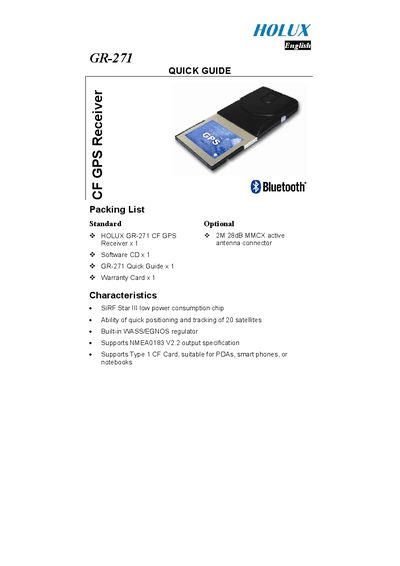
Holux GR-271 CF GPS Receiver Quick Guide
The Holux GR-271 is a compact CF‑card GPS receiver designed for PDAs, smartphones, and notebooks. It features a low‑power SIRF chip, support for up to 20 satellites, a built‑in WASS/EGNOS regulator, and NMEA0183 V2.2 output.
This Quick Guide provides the packing list, hardware description, LED status indicators, steps for using the device with a PDA or notebook, software installation instructions for the GPSViewer program, and safety warnings.
Holux GR-271 specifications
| Chip | SIRF Star Ill low power consumption chip |
|---|---|
| Satellite Tracking | Ability of quick positioning and tracking of 20 satellites |
| Regulator | Built-in WASS/EGNOS regulator |
| Output Specification | Supports NMEA0183 V2.2 output specification |
| Memory Card Support | Supports Type 1 CF Card, suitable for PDAs, smart phones, or notebooks |
| Baud Rate | 4800 |
All Holux GR-271 documents by type
Day-to-day operation, settings and troubleshooting. Start here if the product is already set up.
The shortest path to a working setup, usually only a few pages.
Questions answered in these manuals
How do I install the GPSViewer software on my PC?
Insert the software CD, run “GPSViewer.exe”, and follow the on‑screen prompts to install the program on your PC.
What do the LED indicators on the GR‑271 mean?
LED off means the unit is turned off; LED on indicates it is searching for satellite signals; a blinking LED shows that positioning is complete.