
Key facts
- Brand
- Harman Kardon
- Model
- Citation 100
- Category
- Home Speakers
- Documents
- 3
- Languages
- FR · ES · EN
- Last added
- 2026-11-17
Start here
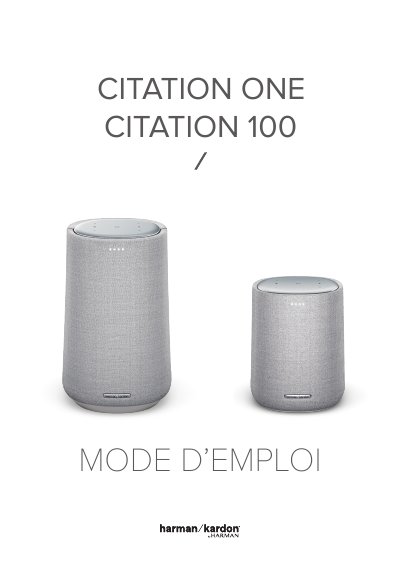
Harman Kardon CITATION 100 Speaker User Manual
This manual provides instructions for the Harman Kardon CITATION 100 smart speaker. It covers important safety precautions, such as using the correct voltage and avoiding extension cords, as well as unboxing and initial setup steps. The guide details how to power on the device, connect it to Wi-Fi, and use voice commands via the Google Assistant. This manual is written in French.
Read onlineHarman Kardon Citation 100 specifications
| Power Output (Wi-Fi) | <20 dBm |
|---|---|
| Wi-Fi Modulation | DBPSK, DQPSK, CCK, QPSK, BPSK, 16QAM, 64QAM |
| Supported Audio Formats | HE-AAC, LC-AAC, MP3, Vorbis, WAV (LPCM), FLAC, Opus |
All Harman Kardon Citation 100 documents by type
Day-to-day operation, settings and troubleshooting. Start here if the product is already set up.
Questions answered in these manuals
What voltage is the CITATION 100 designed for?
The speaker is designed for use with a current of 100 to 240 volts, 50/60 Hz AC.
Can I use an extension cord with this speaker?
No, the manufacturer does not recommend using extension cords with this product to avoid safety hazards.
How do I reset the speaker to factory settings?
Hold RESET for 5 seconds to restore the factory settings.
From: Harman Kardon Citation One / Citation 100 Speaker Owner's Manual
How do I enter Bluetooth pairing mode on the speaker?
Press the Bluetooth button to access Bluetooth pairing mode.
From: Harman Kardon Citation One / Citation 100 Speaker Owner's Manual
What is the power supply requirement for the CITATION 100?
The CITATION 100 requires 100-240V ~ 50/60Hz AC current.
How do I connect the CITATION 100 to Wi-Fi?
Plug the provided power cord into the speaker and a wall outlet. Then follow the on-screen instructions to connect to your Wi-Fi network.