
Key facts
- Brand
- FOUNDER
- Model
- P460
- Category
- other commodities
- Documents
- 2
- Languages
- ZH
- Last added
- 2012-03-28
Start here
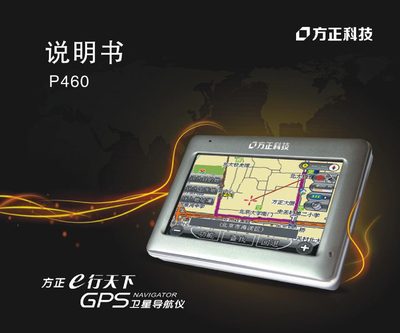
Founder P460 Satellite Navigator User Manual
This manual covers important safety precautions for using the Founder P460 satellite navigator, including recommendations to operate the device only when the vehicle is parked, avoid exposure to moisture, dust, extreme temperatures, and proper handling of the LCD screen and power source.
It also describes the device’s main features such as the 3.5‑inch high‑resolution display (480×272), built‑in GPS antenna, dual‑channel headphone jack, high‑fidelity speaker, supported media formats, SD/MMC card storage, and how to navigate the touchscreen interface, reset the system, and interpret indicator lights. This manual is written in Chinese.
FOUNDER P460 specifications
| Display size | 4.3 inches |
|---|---|
| Display resolution | 480×272 |
| Earphone interface | Dual‑channel earphone jack with high‑fidelity speaker |
| GPS antenna | Built‑in |
| External storage | SD card slot |
| Supported audio formats | MP3, WAV |
| Supported image formats | BMP, JPG, PNG |
| Battery charge indicator | Red LED while charging, green when full |
| Charging time (DC) | 2‑2.5 hours continuous |
| Operating temperature | 0 °C to 40 °C |
All FOUNDER P460 documents by type
Day-to-day operation, settings and troubleshooting. Start here if the product is already set up.
Questions answered in these manuals
Can I operate the navigator while driving?
No, the manual advises operating the device only when the vehicle is parked.
How long should the first three charges of a new battery be?
Each of the first three charges should be at least 8 hours but not exceed 16 hours.
Can I operate the navigator while driving?
It is recommended not to operate the navigation system while driving; use it only when the vehicle is parked.
What should I do if the device gets wet?
Do not expose the device to moisture or water, as it may cause failure and may be unrepairable.