
Key facts
- Brand
- FANUC
- Model
- R-30iB Plus
- Category
- Industrial Robot
- Industry
- Industrial
- Documents
- 2
- Languages
- EN
- Last added
- 2026-11-04
Start here
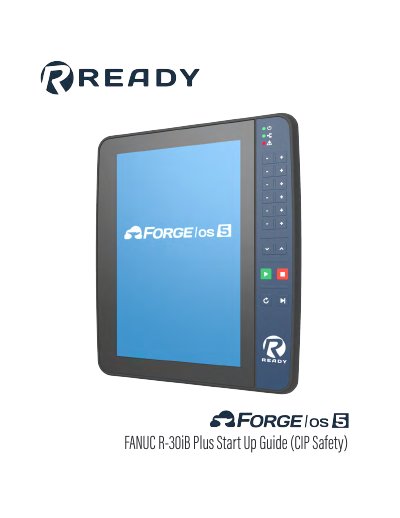
FANUC R-30iB Plus Robot Controller Start Up Guide (CIP Safety)
This guide provides step-by-step instructions for setting up the FANUC R-30iB Plus robot controller with CIP Safety. It covers hardware preparation, connecting safety hardware and IPC, powering on the system, programming the safety controller, and configuring the robot for Forge/OS. The guide also includes software requirements and firmware version checks to ensure compatibility with the system.
The document is intended for users installing the controller with READY Robotics’ safety and control systems, including the READY pendant and Forge/OS software. It includes safety warnings and references to ISO standards for risk assessment, and provides troubleshooting steps for common setup issues.
All FANUC R-30iB Plus documents by type
Day-to-day operation, settings and troubleshooting. Start here if the product is already set up.
Questions answered in these manuals
What firmware versions are required for the FANUC R-30iB Plus?
FANUC R-30iB Plus Firmware: V9.10P/33 (02/2021) or equivalent.
From: FANUC R-30iB Plus Robot Controller Start Up Guide (CIP Safety)
How do I check the software version on the FANUC controller?
Press the STATUS button, then [TYPE] (F1), then Version ID (2) to view the Software Edition No.
From: FANUC R-30iB Plus Robot Controller Start Up Guide (CIP Safety)
What hardware is required to set up the FANUC R-30iB Plus safety controller?
You need a READY pendant, an industrial PC (IPC), a FANUC R-30iB or R-30iB Plus Robot Controller (A Cabinet), a 24V/2.5A power supply, and a third-party safety PLC with CIP Safety.
What software version is required for the FANUC R-30iB Plus?
The required firmware is R-30iB Plus Firmware: V9.10P/33 (02/2021) or equivalent.