
Key facts
- Brand
- EXFO
- Model
- FIP-500
- Category
- Other Electronics
- Documents
- 2
- Languages
- EN
- Last added
- 2026-11-05
Start here
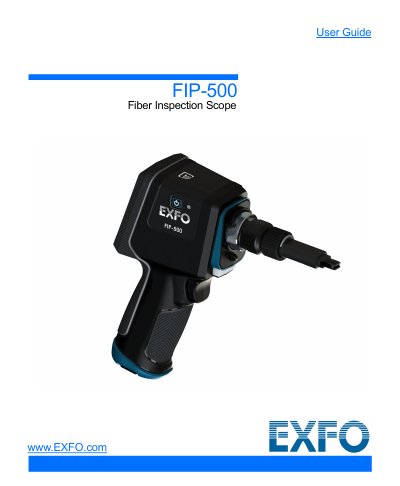
EXFO FIP-500 Fiber Inspection Scope User Guide
This document is the user guide for the EXFO FIP-500 Fiber Inspection Scope. It provides instructions on introducing the unit, including its main features and available configurations. The guide details how to turn the unit on and off, configure settings at first startup, and understand the inspection screen.
Read onlineEXFO FIP-500 specifications
| Optical Head | OHSF, OHSF-A60, OHMF, OHMF-A60 |
|---|---|
| Connector Types | SC, LC, MPO, E2000, MU, ST, SN, Q-ODC |
| Tip Switching Mechanism | Quarter-turn click |
Source: EXFO FIP-500 and FIP-400B Fiber Inspection Tips, SmarTips and Adapters Guide
All EXFO FIP-500 documents by type
Day-to-day operation, settings and troubleshooting. Start here if the product is already set up.
Questions answered in these manuals
What accessories are available for the FIP-500?
Accessories include compartmented plastic cases, belt holsters, soft carrying cases and rigid carrying cases.
From: EXFO FIP-500 and FIP-400B Fiber Inspection Tips, SmarTips and Adapters Guide
How long does it take to swap tips on the FIP-500?
Users can swap tips in a quarter-turn click.
From: EXFO FIP-500 and FIP-400B Fiber Inspection Tips, SmarTips and Adapters Guide
How do I change the optical head on the FIP-500?
The guide includes a section on changing the unit's optical head as part of the initial setup and usage instructions.
Can I use the FIP-500 with a smart device?
Yes, the unit can establish a connection with a smart device via Bluetooth technology to use the EXFO Exchange Application.