
Key facts
- Brand
- EVGA
- Model
- Z97 Classified
- Category
- Motherboard
- Documents
- 2
- Languages
- EN
- Last added
- 2023-10-21
Start here
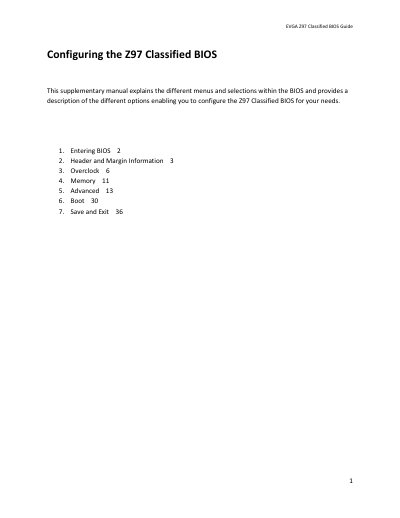
EVGA Z97 Classified BIOS Guide
This supplementary manual provides instructions for configuring the UEFI BIOS on the EVGA Z97 Classified motherboard. It details how to enter the BIOS setup and explains the various menu options available for system configuration. The guide supports full mouse and keyboard navigation to streamline the setup process.
Read onlineEVGA Z97 Classified specifications
| Maximum RAM Support | 32GB |
|---|---|
| Maximum Memory Speed | 2666+MHz |
| CPU Multiplier Range | 8-80x |
| BCLK Adjustment Increment | 0.05 MHz |
Source: EVGA Z97 Classified BIOS Guide
All EVGA Z97 Classified documents by type
Day-to-day operation, settings and troubleshooting. Start here if the product is already set up.
Questions answered in these manuals
How do I enter the BIOS on the Z97 Classified?
Power on the computer and press the Del / Delete key when the message appears. You may need to repeatedly press the button if the POST sequence completes before the video card initializes.
How many BIOS versions does the Z97 Classified have?
The motherboard has 3 separate BIOS versions that are toggled via a BIOS select switch.
What operating systems are supported by this motherboard?
The motherboard supports Windows 8 and Windows 7.
Is the motherboard designed for overclocking?
Yes, the motherboard is built from the ground up to give essentials needed for overclocking, featuring ultra high quality components and robust PCI-E 3.0 and memory trace layout.