
Key facts
- Brand
- EVGA
- Model
- SuperNOVA 650
- Category
- Power Management
- Documents
- 2
- Languages
- EN
- Last added
- 2023-10-21
Start here
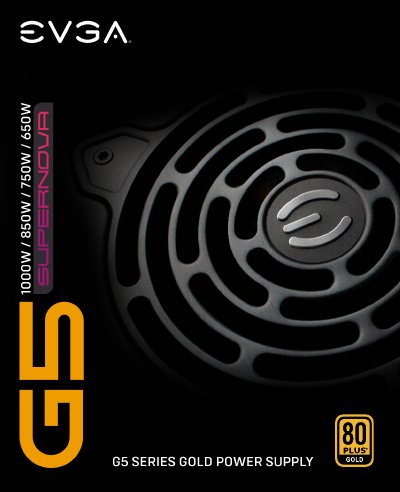
EVGA SuperNOVA 650/750/850/1000G5 Power Supply User Manual
This manual provides instructions for the EVGA SuperNOVA 650/750/850/1000G5 Gold power supply series. It details the contents of the box, safety warnings, and step-by-step installation procedures for connecting the power supply to a computer system. Key features highlighted include 80 PLUS Gold certification, an ECO Thermal Control System for silent operation, and a modular cable design to reduce clutter.
Read onlineEVGA SuperNOVA 650 specifications
| Efficiency | up to 90% (115VAC) / 92% (220VAC~240VAC) |
|---|---|
| Warranty | 10-Year Warranty |
| Fan Type | 135mm Fluid Dynamic bearing fan |
| Capacitors | 100% Japanese capacitors |
| Dimensions | 86mm (H) x 150mm (W) x 150mm (L) |
| Input Voltage | 100-240V~, 10-5A, 60/50Hz |
| Protection Features | OVP, UVP, SCP, OPP, OCP, OTP |
Source: EVGA SuperNOVA 650/750/850/1000G5 Power Supply User Manual
All EVGA SuperNOVA 650 documents by type
Day-to-day operation, settings and troubleshooting. Start here if the product is already set up.
Questions answered in these manuals
What is the ECO Thermal Control System?
The ECO Thermal Control System allows the fan to shut off during low to moderate operation loads to reduce noise and increase fan lifespan.
From: EVGA SuperNOVA 650/750/850/1000G5 Power Supply User Manual
Do I need to connect both EPS cables if my motherboard has two connectors?
No, motherboards typically only require one 4+4 or 8-Pin EPS connection unless configured for dual CPUs or extreme overclocking.
From: EVGA SuperNOVA 650/750/850/1000G5 Power Supply User Manual
What is the ECO Thermal Control System?
The ECO Thermal Control System allows the fan to shut off during low to moderate operation loads and automatically turn back on when needed, reducing noise and extending fan life.
From: EVGA SuperNOVA 650/750/850/1000 P6 Platinum Power Supply User Manual
Do I need to connect both EPS cables if my motherboard only requires one?
Only one 4+4 or 8-Pin EPS connection is required. An additional connection may be needed for dual CPU or extreme overclocking configurations.
From: EVGA SuperNOVA 650/750/850/1000 P6 Platinum Power Supply User Manual