
Key facts
- Brand
- Digital Projection
- Model
- Titan 800 Series
- Category
- Projector
- Industry
- Electronics
- Documents
- 2
- Languages
- ZH · EN
- Last added
- 2026-10-24
Start here
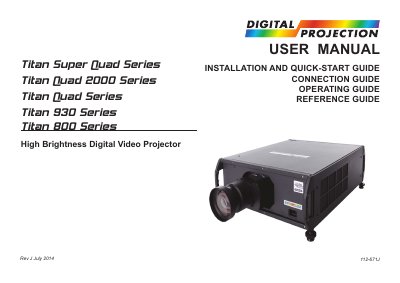
Digital Projection Titan 800 Series High Brightness Digital Video Projector User Manual
This document serves as the user manual for the Digital Projection Titan 800 Series High Brightness Digital Video Projector. It covers installation procedures, quick-start steps, connection guides, and detailed operating instructions for the projector. The manual includes specific guidance for positioning the screen and projector, fitting the lens, and adjusting image settings.
Read onlineDigital Projection Titan 800 Series specifications
| Resolution | WUXGA / 1080p / SX+ |
|---|---|
| Lamps | 2 x 400 W HID High Intensity Discharge |
| Contrast ratio | 2,000:1 |
| Color system | 3-chip DLP |
| Display type | 3 x 0.95" DarkChip DMD |
| Bandwidth | 170 MHz on analog RGB |
Source: Digital Projection Titan 800 Series High Brightness Digital Video Projector User Manual
All Digital Projection Titan 800 Series documents by type
Day-to-day operation, settings and troubleshooting. Start here if the product is already set up.
Questions answered in these manuals
What are the power indicator light meanings?
The Power light shows 'off' when closed, green for normal operation mode, and orange for standby mode.
From: Digital Projection Titan Quad & Titan 800 Series User Guide
How do you turn on the projector?
Press and hold the power button for 3 seconds using either the remote control or the control panel.
From: Digital Projection Titan Quad & Titan 800 Series User Guide
What are the key features of the Titan 800 Series projector?
The projector supports most 3D standards, full range of digital and legacy analog inputs, and control via LAN and RS232.
From: Digital Projection Titan 800 Series High Brightness Digital Video Projector User Manual
Where is the serial number located?
The serial number is located on the back of the projector.
From: Digital Projection Titan 800 Series High Brightness Digital Video Projector User Manual