
The Creative Sound Blaster X5 SB1820 Quick Start Guide covers setup, connections, controls, Bluetooth pairing, app download, and technical specifications…
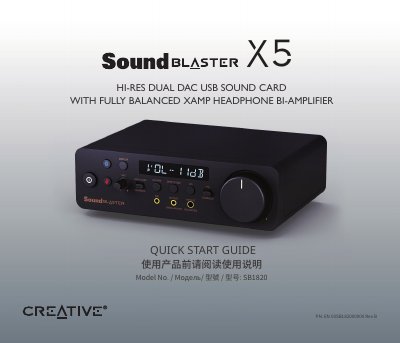
The Creative Sound Blaster X5 SB1820 is a dual DAC USB sound card with a fully balanced XAMP headphone bi-amplifier. This quick start guide explains how to power up the unit and connect external devices to its front and back panels.
It also describes the display and control interface, including the volume knob, mic gain, equalizer, and PC/console switch, and provides details on the Creative app, master reset, and Bluetooth 5.0 technical specifications.
| Wireless Technology | Bluetooth 5.0 |
|---|---|
| Supported Audio Codecs | SBC |
| Operating RF range | 2402–2480 MHz |
| Operating Range | Up to 10m / 33 ft |
| Operating Temperature | 0–45°C |
| Maximum RF Output Power | 4 dBm |
| Input | 5V 1A |
| USB-A Host Output | 5V 100 mA |
Press and hold the Bluetooth and Display buttons for 5 seconds, or trigger Device Reset from the Creative app.
Up to 10m / 33 ft with unobstructed line-of-sight.
DSP Mode is the default setting.