
Key facts
Start here
SC SC-1 Projector User Manual
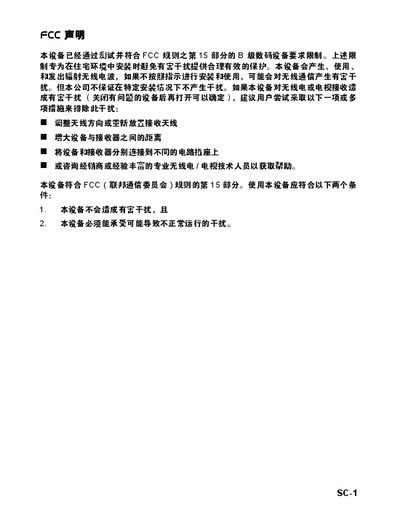
This manual provides safety instructions, setup steps, and operating guidance for the SC‑1 projector. It includes FCC compliance information, proper handling, cleaning, and maintenance procedures to ensure reliable performance.
The document also lists detailed technical specifications, connection options, LED indicator meanings, compatible video modes, and a troubleshooting guide for common issues such as power problems, image quality, and remote control operation. This manual is written in Chinese.
BenQ SC-1 specifications
| Resolution | 1024 × 768 (XGA) |
|---|---|
| Brightness | 2000 ANSI lumens |
| Contrast Ratio | 2000:1 |
| Lamp Power | 180 W |
| Power Consumption | 230 W |
| Weight | 2.7 kg (6 lb) |
| Dimensions | 271 × 223 × 90 mm |
| Input Voltage | AC 100‑240 V, 50‑60 Hz |
Source: SC SC-1 Projector User Manual
All BenQ SC-1 documents by type
Day-to-day operation, settings and troubleshooting. Start here if the product is already set up.
Questions answered in these manuals
Why won't the projector turn on?
Check that the power cable is securely connected at both ends, press the power button, and if needed unplug the cable, wait a moment, then plug it back in and press power again.
How should I clean the projector lens?
Use a clean, slightly damp cloth to gently wipe the lens; do not use liquids or spray cleaners directly on the lens.