
Key facts
Start here
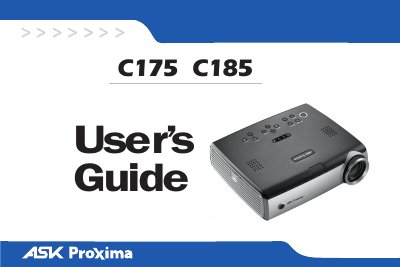
InFocus C175/C185 Digital Projector User Manual
This manual covers the InFocus C175 and C185 digital projectors, which feature XGA 1024x768 resolution and support both computer and video inputs. It details the necessary connections for desktops, laptops, and video devices, as well as how to display images and adjust settings via the keypad or remote control.
Read onlineASK C185 specifications
| Resolution | XGA 1024x768 |
|---|---|
| Video Input (M1‑D/A) | HD, DVI, computer |
| Video Input (VESA) | HD, HD component, computer |
| Video Output (VESA) | Display output |
| Super Video Input | S‑video |
| Composite Video Input | RCA |
| Audio Input/Output | Stereo audio in and out |
| Serial Control Interface | RJ‑45 |
All ASK C185 documents by type
Day-to-day operation, settings and troubleshooting. Start here if the product is already set up.
Questions answered in these manuals
What models does this manual cover?
This user's guide applies to models IN32, C175, W320, IN34, C185, and W340.
How do I activate the warranty?
Register your projector on the InFocus website at www.infocus.com/register to activate your warranty.
How do I connect a computer to the projector?
Connect the black end of the computer cable to the Computer 1 port on the projector and the blue end to the computer’s video port, then plug in the power cord.
How do I replace the lamp safely?
Turn off the projector, unplug the power cord, wait 60 minutes for cooling, invert the unit, pry off the lamp cover with a flat‑head screwdriver, and remove the lamp module.