
Key facts
- Brand
- ASK
- Model
- CPT380
- Category
- Other Electronics
- Industry
- Electronics
- Documents
- 2
- Languages
- ZH
- Last added
- 2011-11-09
Start here
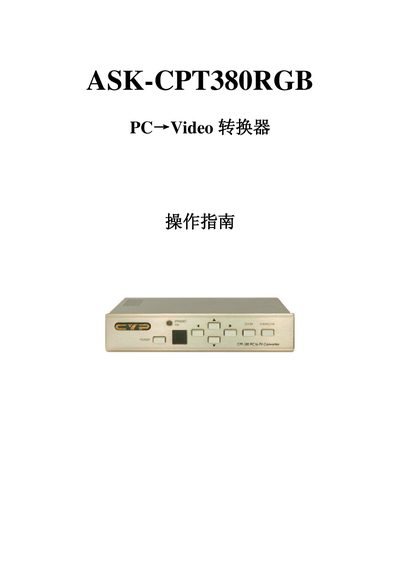
ASK-CPT380RGB PC Video converter operating instructions(1)(1)
The CPT380 is a PC‑to‑video converter that accepts high‑resolution PC (up to UXGA 1600×1200@60 Hz) and HDTV (up to 1080i@60 Hz) inputs and outputs NTSC or PAL composite, S‑Video or component signals. It offers on‑panel, infrared remote, and RS‑232 control, with adjustable contrast, brightness, color, sharpness, and zoom functions.
The manual explains how to power the unit, select input sources, adjust image settings, use the remote or RS‑232 software on Windows, and reset parameters to factory defaults. Connection diagrams, button functions, and software installation steps are included. This manual is written in Chinese.
ASK CPT380 specifications
| Maximum PC input resolution | UXGA (1600×1200) @ 60 Hz |
|---|---|
| Maximum HDTV input resolution | 1080i @ 60 Hz |
| PC input connector | HD-15 (male) |
| Composite video output | 3× RCA |
| Dimensions (W×D×H) | 204 mm × 155 mm × 50 mm |
| Weight | 1 kg |
Source: ASK-CPT380RGB PC Video converter operating instructions(1)(1)
All ASK CPT380 documents by type
Day-to-day operation, settings and troubleshooting. Start here if the product is already set up.
Questions answered in these manuals
How do I switch between NTSC and PAL output?
Press the NTSC/PAL button on the remote or front panel to select the desired video format.
From: ASK-CPT380RGB PC Video converter operating instructions(1)(1)
How do I select NTSC or PAL video output?
Press the NTSC/PAL button to choose NTSC or PAL output format.
From: ASK-CPT380RGB PC Video converter operating instructions(1)
How can I reset all system parameters to default?
Press the system reset button to restore all parameters to the factory defaults.
From: ASK-CPT380RGB PC Video converter operating instructions(1)