
Key facts
- Brand
- Altec
- Model
- AL810
- Industry
- Industrial
- Documents
- 2
- Languages
- EN
- Last added
- 2012-03-28
Start here
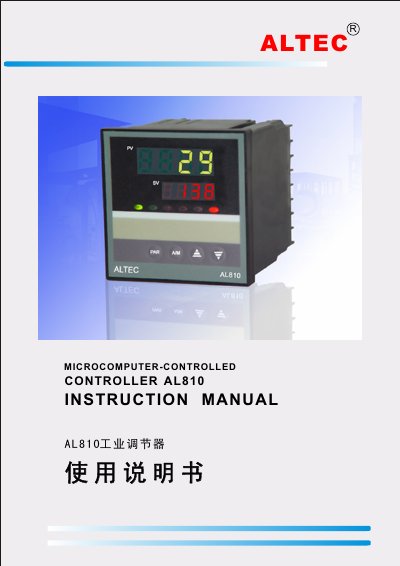
Altec AL810 Industrial Controller User Manual
This manual describes the AL810 industrial controller, a single‑phase phase‑shift controller designed for resistive, inductive and transformer loads in applications such as electro‑plating, heating furnaces and packaging temperature control. It details hardware features, input signal types, and the controller's high‑precision 16‑bit A/D conversion and PID algorithms.
Key sections cover mechanical installation, electrical wiring, panel description, operation of the display and keys, PID parameter tuning, fault codes, software configuration, linear input calibration, curve‑program control, and the RS‑232/RS‑485/RS‑422 communication interface with baud‑rate options.
Altec AL810 specifications
| Input voltage | 100~260VAC |
|---|---|
| Power supply range | 85~264V |
| Output signal type | Phase‑shift pulse (SCR single‑phase) |
| Measurement range (J‑type thermocouple) | -135 °C to 1000 °C |
| Maximum output power | 0.0 % to 100.0 % |
| Baud rates | 300, 600, 1200, 2400, 4800, 9600, 19.2 kbps |
All Altec AL810 documents by type
Day-to-day operation, settings and troubleshooting. Start here if the product is already set up.
Questions answered in these manuals
How do I change the setpoint value on the AL810?
Press the ▲ or ▼ keys on the panel while in automatic mode to increase or decrease the setpoint (SV).
How can I switch between automatic and manual control?
Press the A/M key to toggle between automatic and manual operation; the MAN indicator lights in manual mode.