
Key facts
- Brand
- Altec
- Model
- AL808
- Industry
- Industrial
- Documents
- 2
- Languages
- ZH
- Last added
- 2012-03-28
Start here
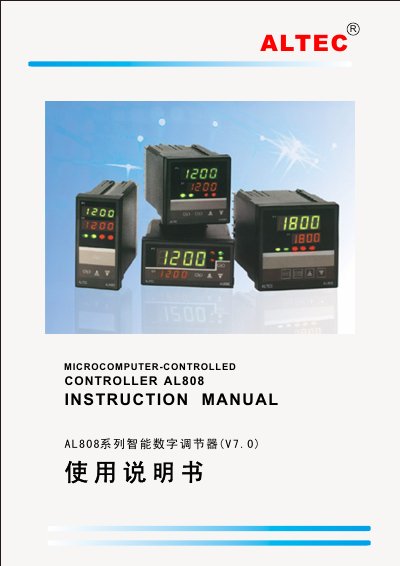
ALTEC AL808 Smart Digital Controller Instruction Manual
This manual describes the AL808 series smart digital controller, covering its features, hardware modules, and wide range of industrial measurement applications such as temperature, humidity, pressure, flow and level. It explains how to install the controller, connect power and signal wiring, and configure the panel and software parameters.
Detailed sections include panel display and operation, PID tuning, fault indication, linear input calibration, curve‑program control, serial communication interfaces, optional functions and technical data. The document is intended for end‑users and technicians who need to set up and maintain the controller in harsh industrial environments. This manual is written in Chinese.
Altec AL808 specifications
| Measurement accuracy | ±0.2% of full scale |
|---|---|
| Input signal range | -10 mV to +50 mV |
| Power supply | 85 V‑264 V AC, 45/60 Hz |
| Operating temperature | 0 °C to 50 °C, humidity ≤85 % |
| Output types | Relay (250 V AC, 3 A), Logic level 20 V/10 mA, SSR, SCR |
Source: ALTEC AL808 Smart Digital Controller Instruction Manual
All Altec AL808 documents by type
Day-to-day operation, settings and troubleshooting. Start here if the product is already set up.
Questions answered in these manuals
How can I modify the setpoint value?
Press the ▲ or ▼ keys to change the setpoint value.
From: ALTEC AL808 Smart Digital Controller Instruction Manual
How do I switch between automatic and manual mode?
Press the A/M key to toggle between automatic and manual control without disturbance.
From: ALTEC AL808 Smart Digital Controller Instruction Manual