
This document is a user manual for a digital camcorder, which includes information about product introduction, system requirements, features, accessories, and usage precautions.
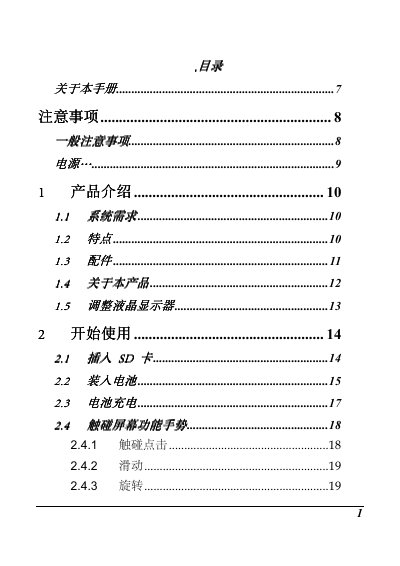
This user manual explains how to use the DV-I9 digital camcorder. It covers general precautions, power usage, product introduction including system requirements and features, and step-by-step instructions for starting up the device.
The guide details various shooting modes such as video, audio, photo, and playback functions. It also provides comprehensive information on using the menu system to adjust settings like image quality, resolution, white balance, and effects, as well as connecting the camcorder to a computer or television. This manual is written in Chinese.
| Image Sensor | 1/3.2 inch CMOS 5 Megapixel |
|---|---|
| Effective Pixels | 5 Megapixel (2592x1944) |
| Storage Media | SD HC and Micro SD cards (Class 4 or above) |
| Lens Focal Length | Fixed focus, f=4.27mm |
| Video Resolution (Full HD) | 1920 x 1080 at 30fps or 25fps |
| Weight | Approx. 86g (without battery) |
The camcorder supports Full HD (1920 x 1080) at 30fps or 25fps.
It is compatible with SD HC cards and Micro SD cards of Class 4 or above.